- Home
- Page builders
- ClickFunnels
- Lead magnet pages
ClickFunnels · Guide · 4 steps
How to design and build lead magnet pages in ClickFunnels
An opt-in that trades a free class and a guide for an email: one promise, real pages as proof, a short native form and emails that lead to the course.
In this guide · 4 steps
Short answer
What makes a lead magnet page in ClickFunnels convert?
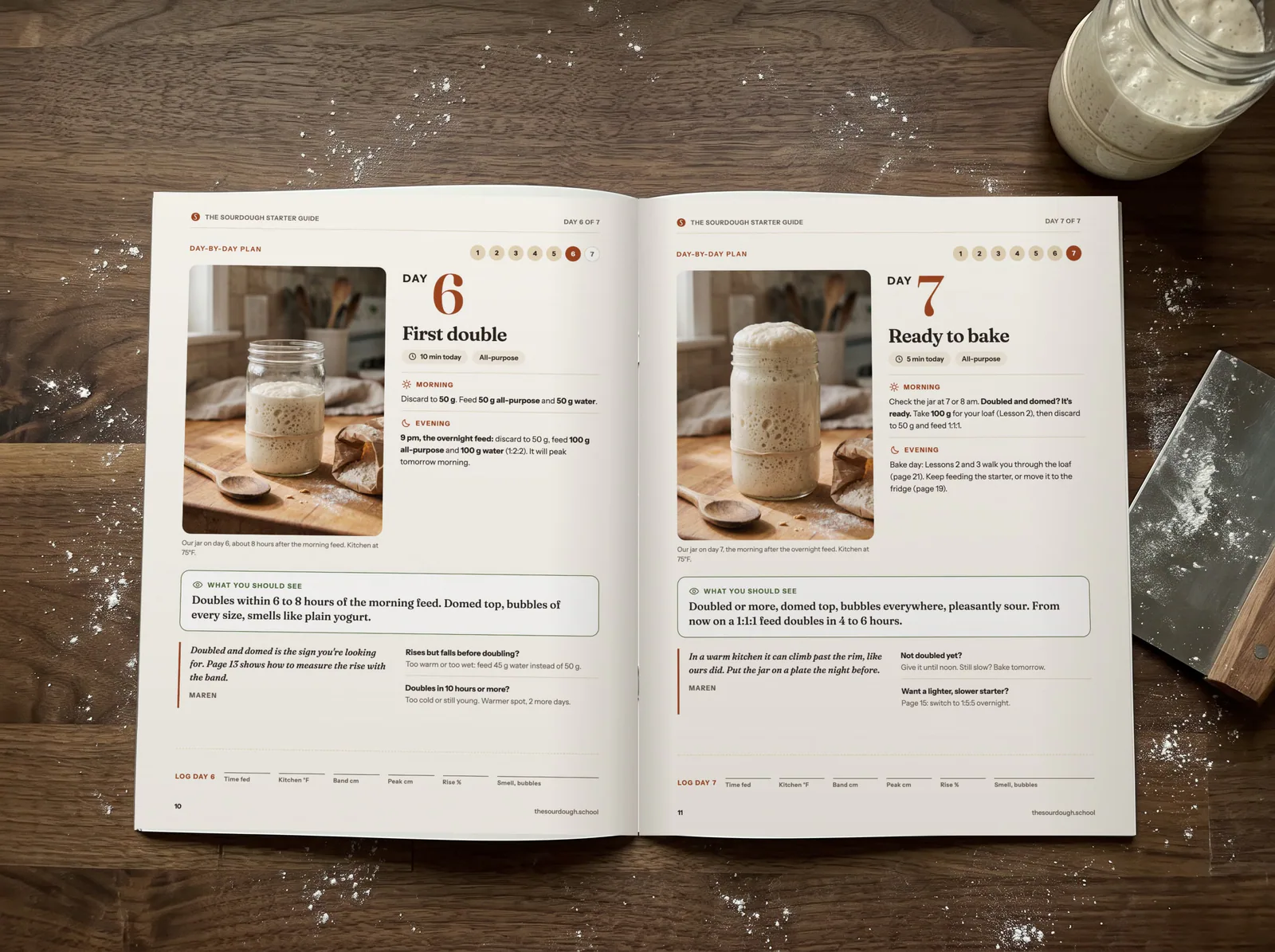
One specific promise, proof that the free content is worth it, a short native form in the first screen, and a next step that delivers right away. In ClickFunnels, build the opt-in as the first funnel step with a native form, send people to a page that delivers, and start the email workflow on the form submission.
In short
- One specific promise.
- Real pages as proof.
- Two fields in the first screen.
- Deliver on the next step.
- Emails teach, then sell.
The opt-in is the first step of the funnel. If it doesn't get the email, nothing after it runs.
The opt-in page
The Sourdough School's opt-in offers a free class and the 24-page starter guide. On a phone the promise and the form fit in the first screen.

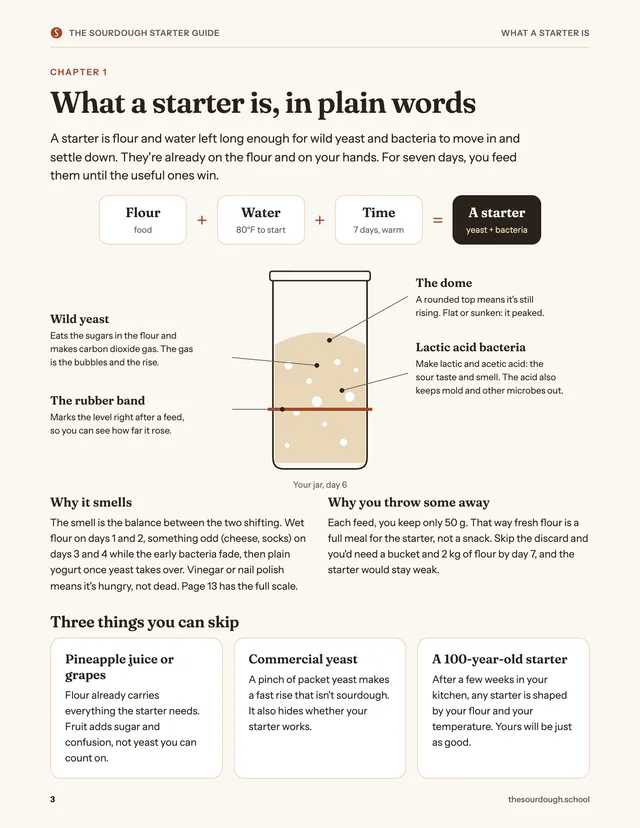
The guide as proof
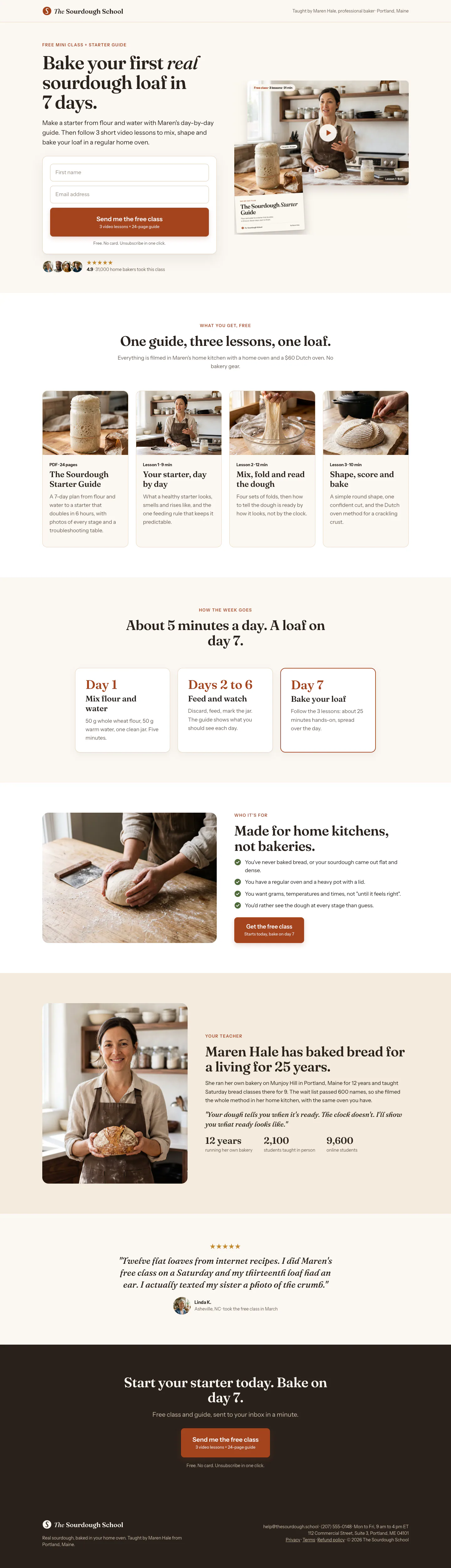
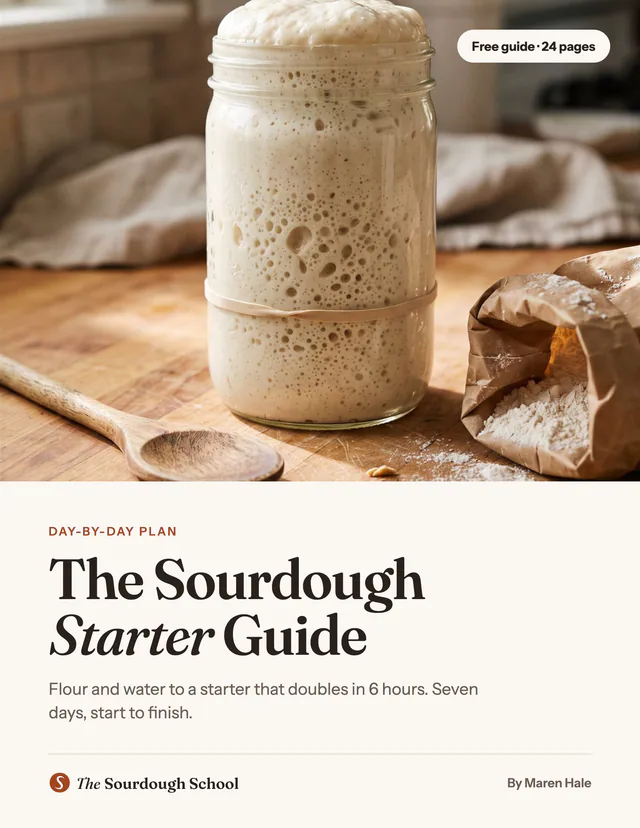
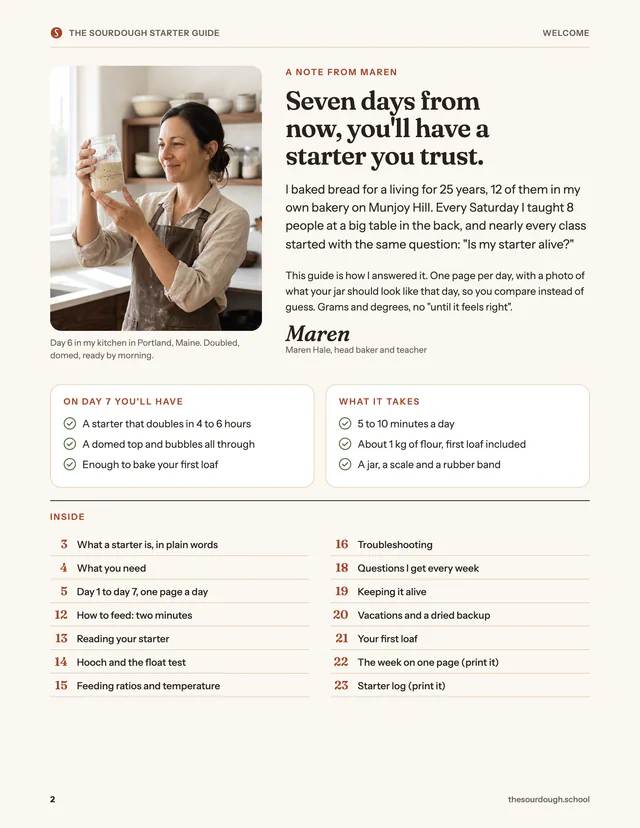
A photo of the jar for every day of the starter, so people compare instead of guess. Three pages open, the rest after the email.
What makes it convert
- Specificity. A free class and a 7-day starter plan, not “tips”.
- Proof of content. Real pages of the guide.
- Low friction. First name and email in a native form.
- Next step. The free class page delivers the guide right away.
How to build it in ClickFunnels
1Make the opt-in the first step
Add an opt-in step at the start of the funnel, with the promise, a few pages of the guide and a form.
2Use a native form
Build the form from ClickFunnels' own input elements, so contacts and tags land in the account.
3Deliver on the next step
Send the form to the free class page, which hands over the guide and the first lesson right away.
4Start the workflow on submit
Trigger the nurture workflow on the opt-in form, so the emails start the same minute.
Common mistakes
- A vague promise.
- Asking for a phone number on the opt-in.
- Delivering only by email, hours later.
- No emails after the guide.
FAQ
Should the opt-in ask for a phone number?
Not on the first step. Ask for texts later, on the delivery page, as an option.
Where should the guide be delivered?
On the next funnel step, right away, and again in the first email.

Conversion designer. I design and build whole websites, funnels and landing pages in ClickFunnels and other page builders, write the copy and set up the tracking and A/B tests. CXL certified.