- Home
- Page builders
- GoHighLevel
- Follow-up texts and emails
GoHighLevel · Guide · 4 steps
How to write follow-up texts and emails in GoHighLevel
The texts and emails after a lead form: what to send, when, and how short. The follow-up I wrote for a med spa's treatment finder.
In this guide · 4 steps
Short answer
What should the follow-up after a lead form look like?
A text within a minute with the result and a booking link, an email with the plan, then a few spaced nudges that stop once they book. After a booking: a confirmation, reminders, aftercare and a review request. Keep texts to one 160-character segment, with consent and an opt-out line.
In short
- The first text in under a minute.
- One 160-character segment per text.
- Nudges stop once they book.
- Reminders cut no-shows.
- Ask for the review after the visit.
Most leads don't book on the first page view. The follow-up is where the booking happens, and short, well-timed messages do more than long ones.
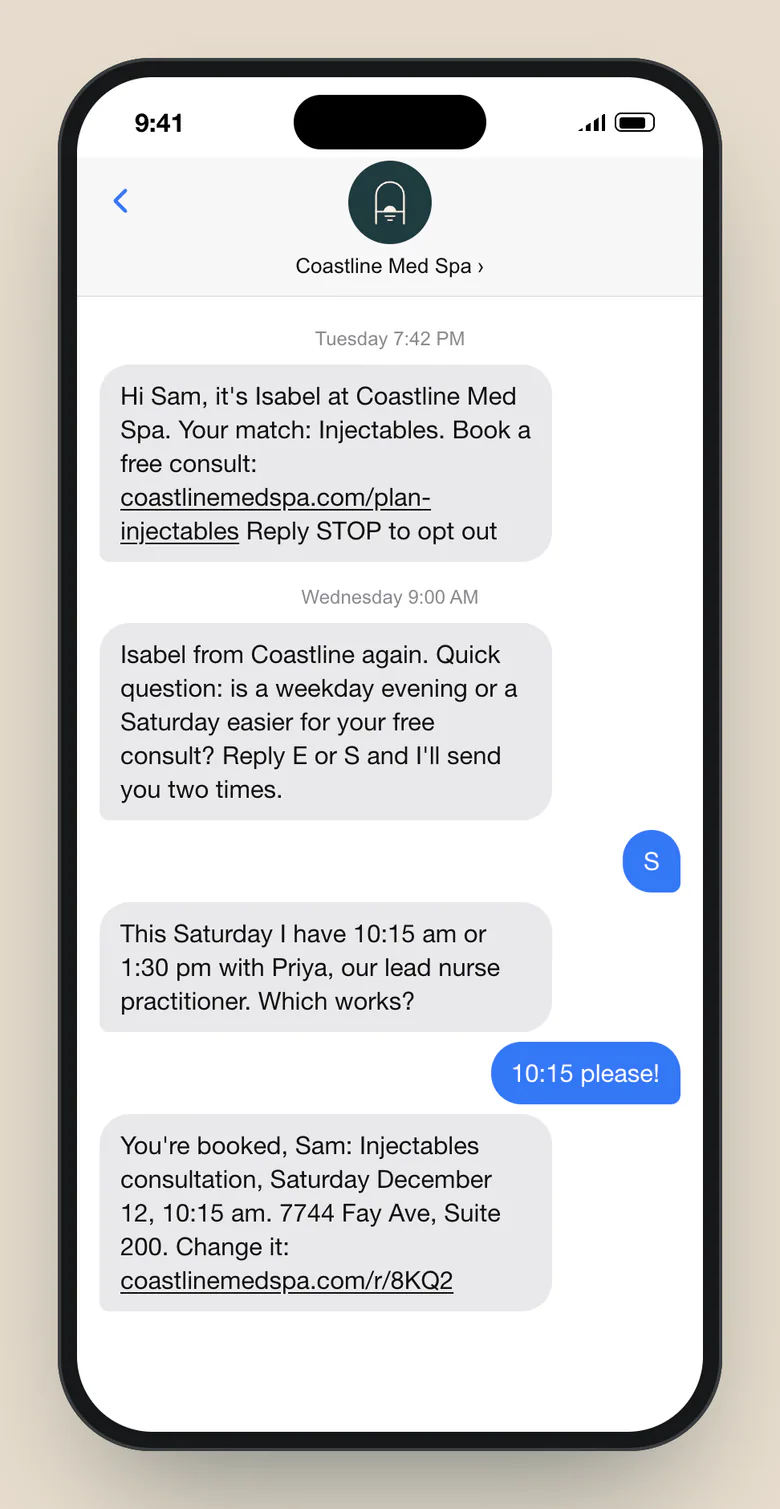
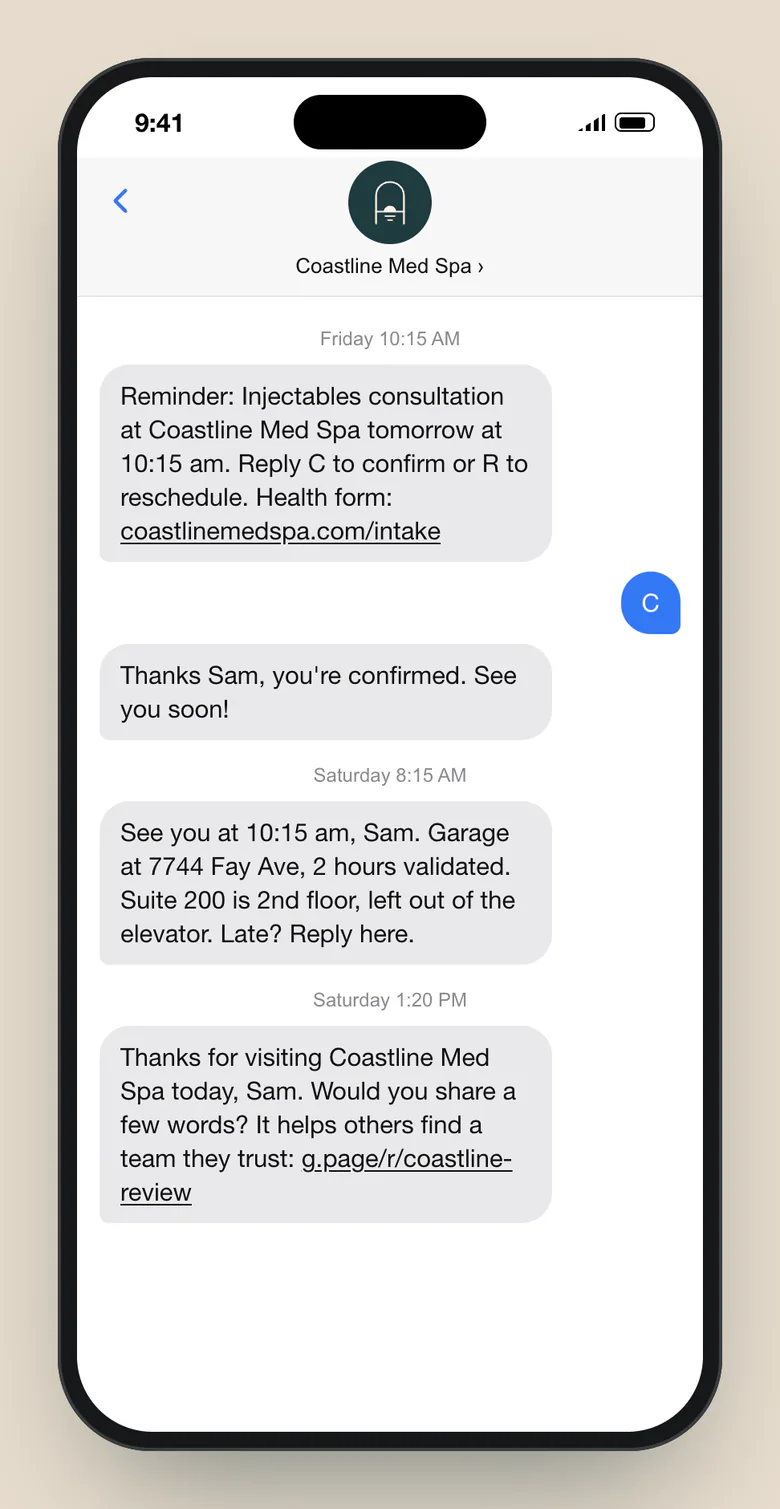
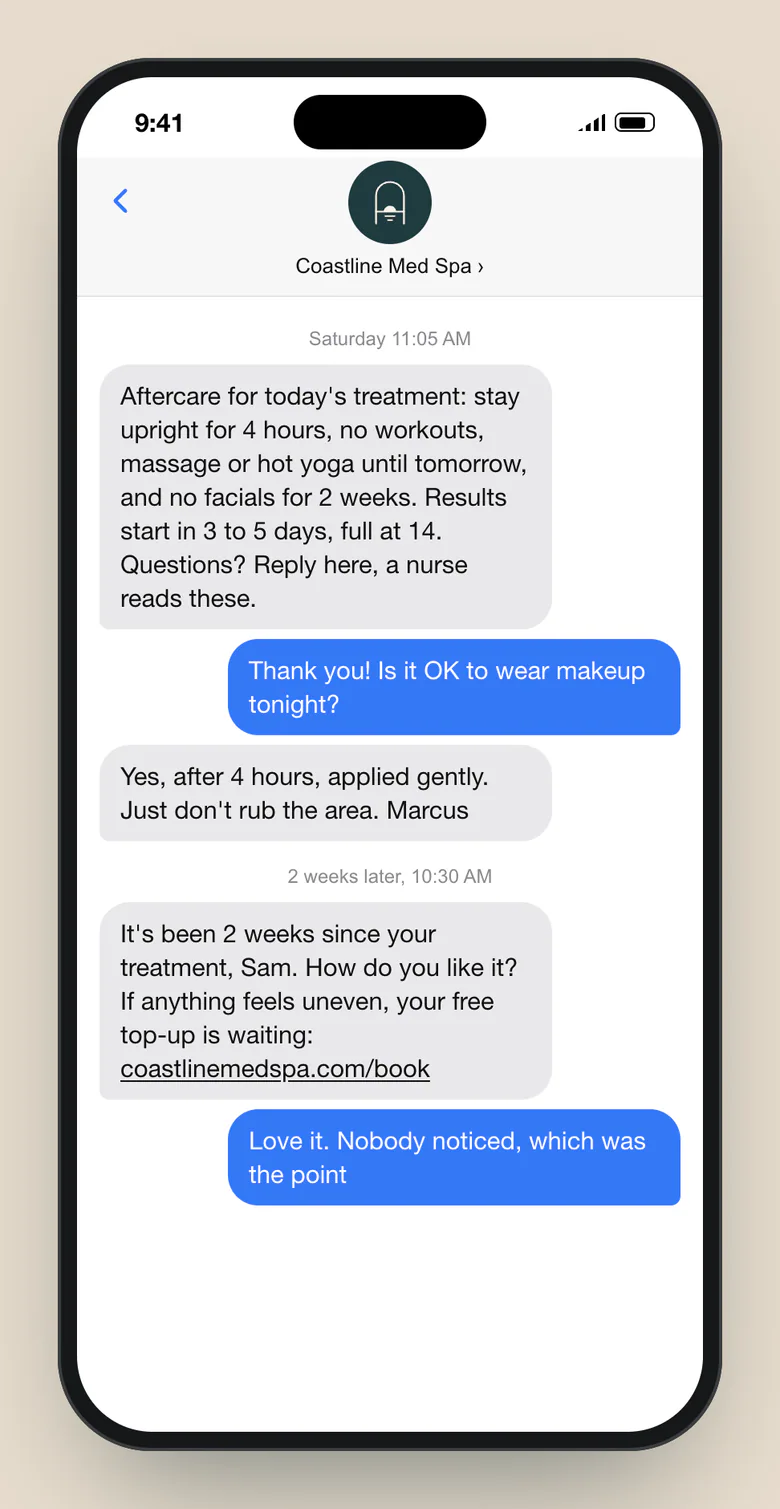
The text messages
Three threads: speed to lead, reminders and aftercare. The first four texts run in the WF01 workflow; the reminders and aftercare are written for the next workflows.
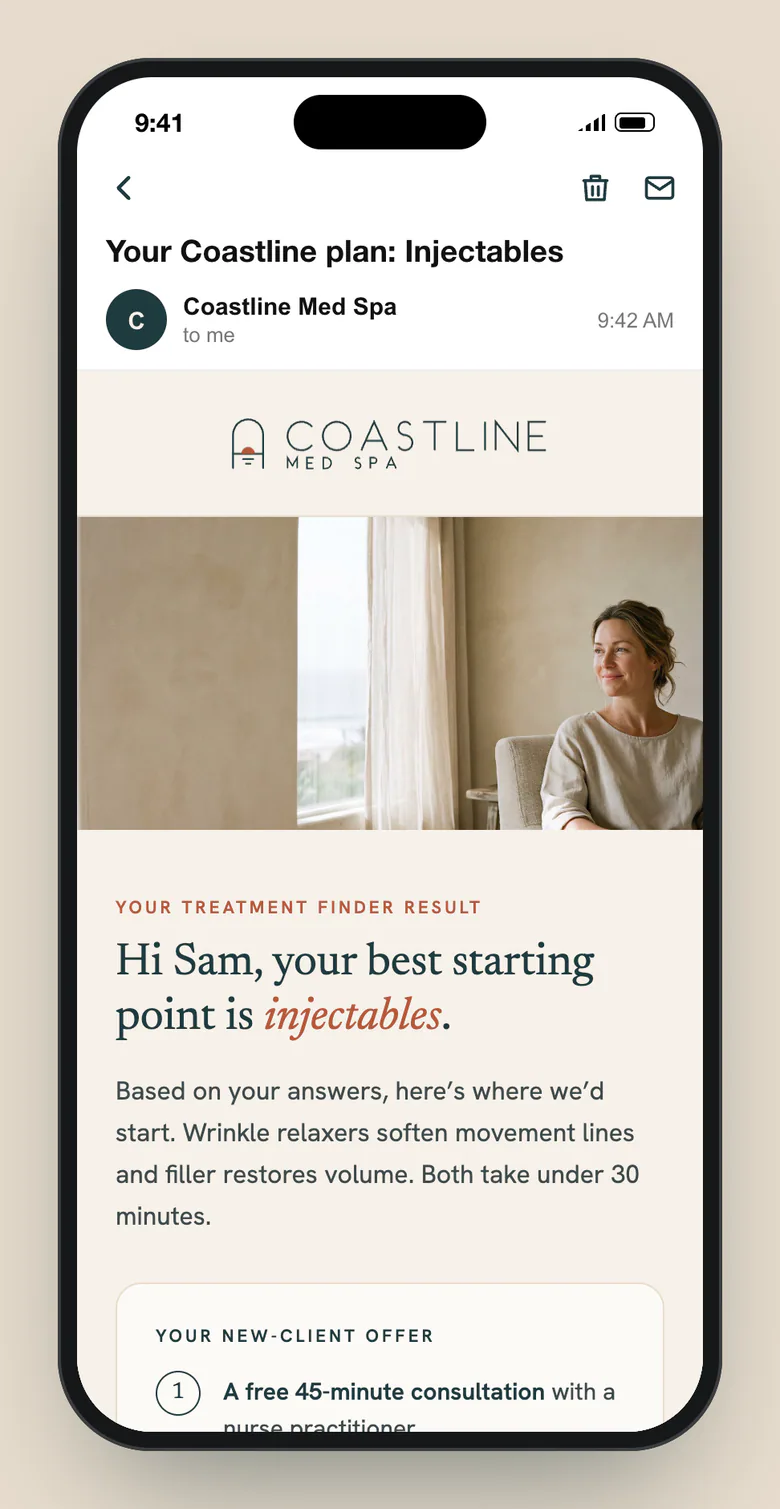
The emails
Seven emails: the plan right after the finder, the guide for people still researching, then confirmation, reminder, aftercare, review request and the monthly newsletter.
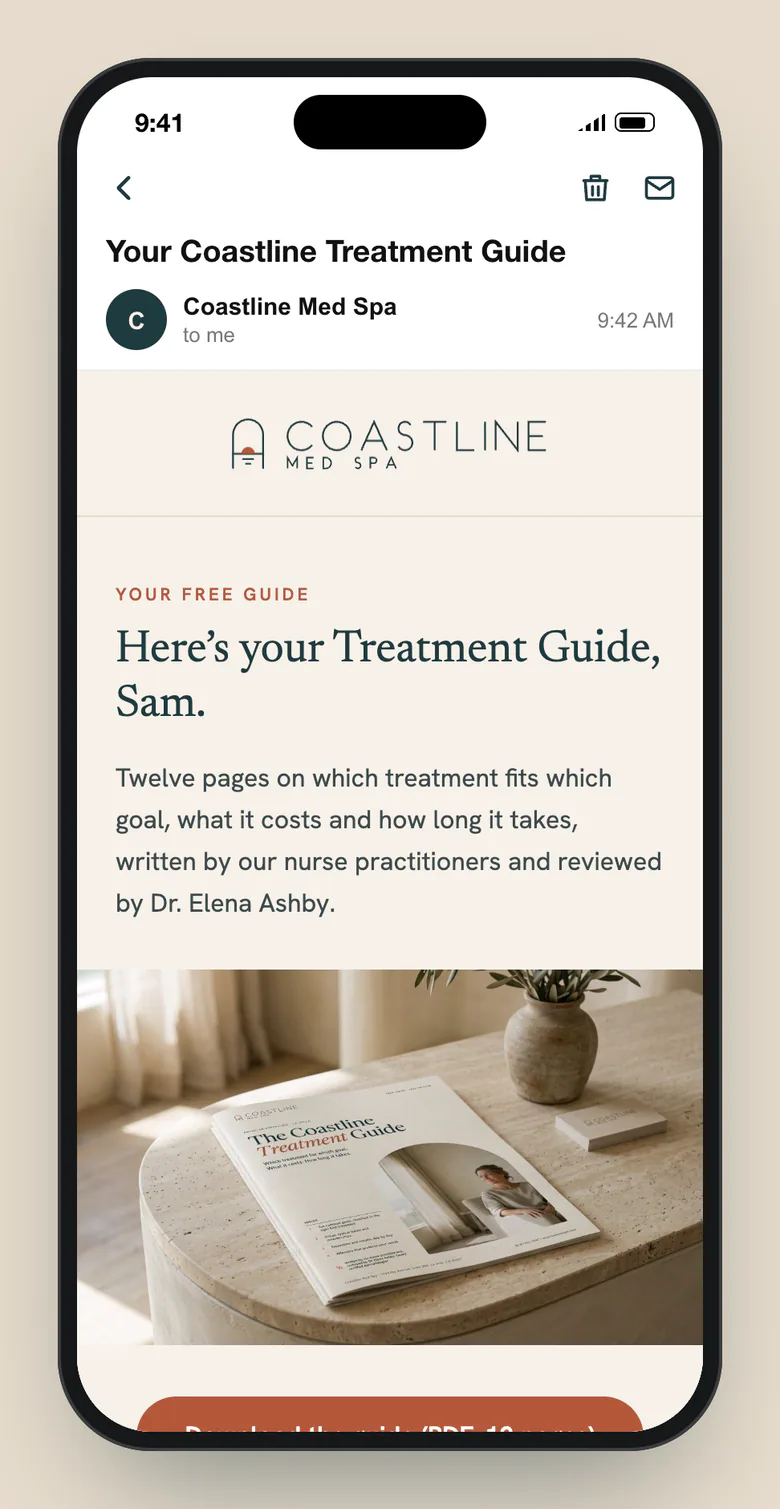
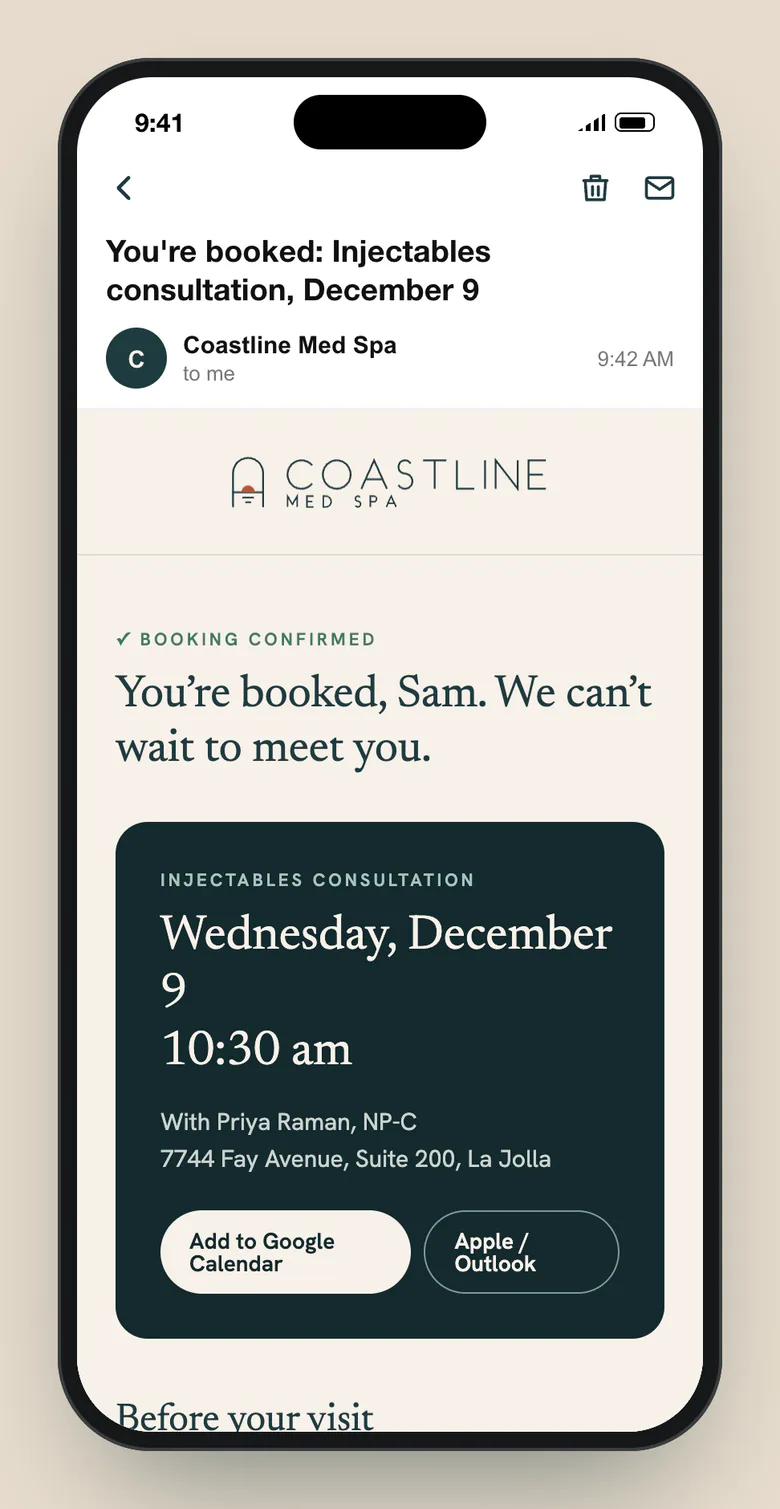
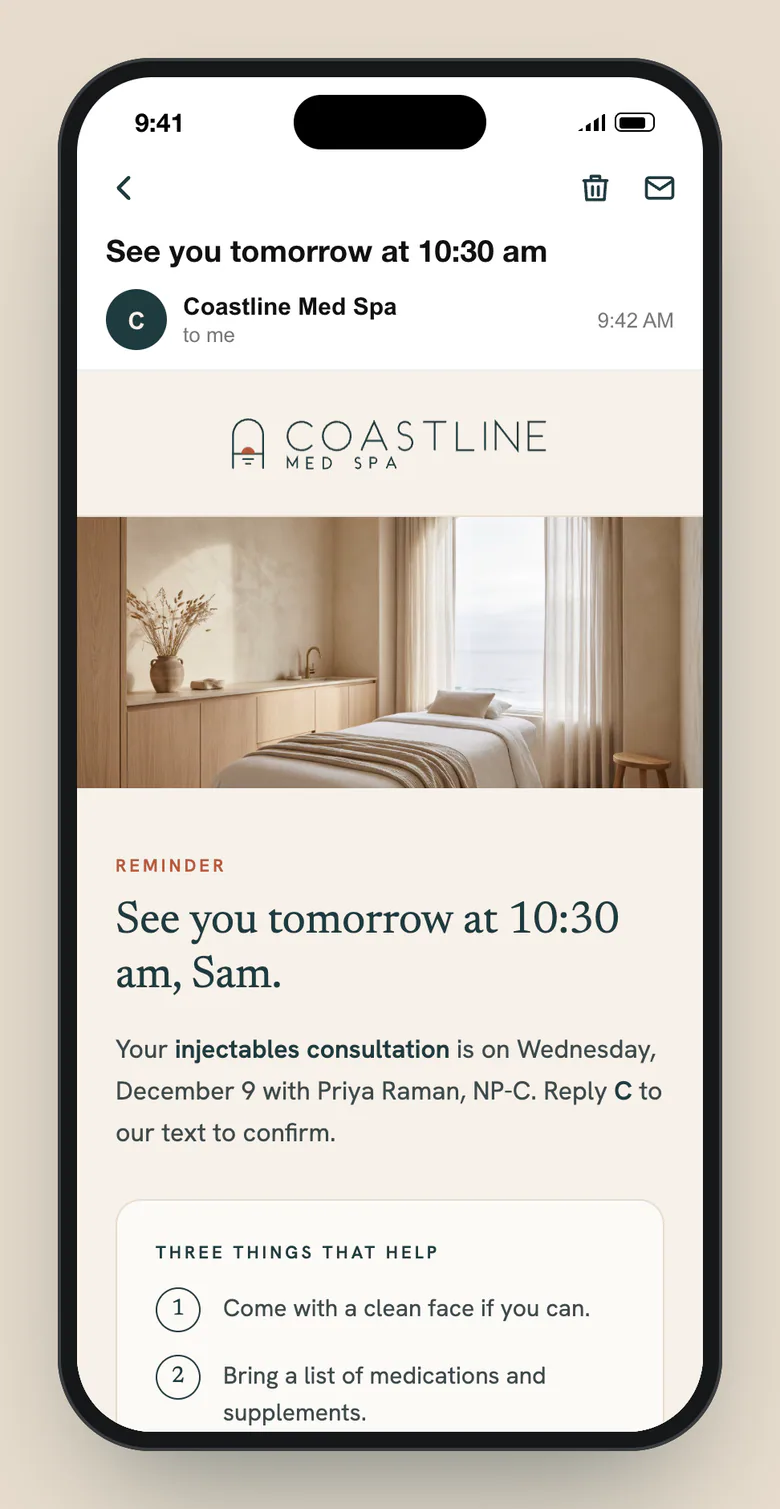
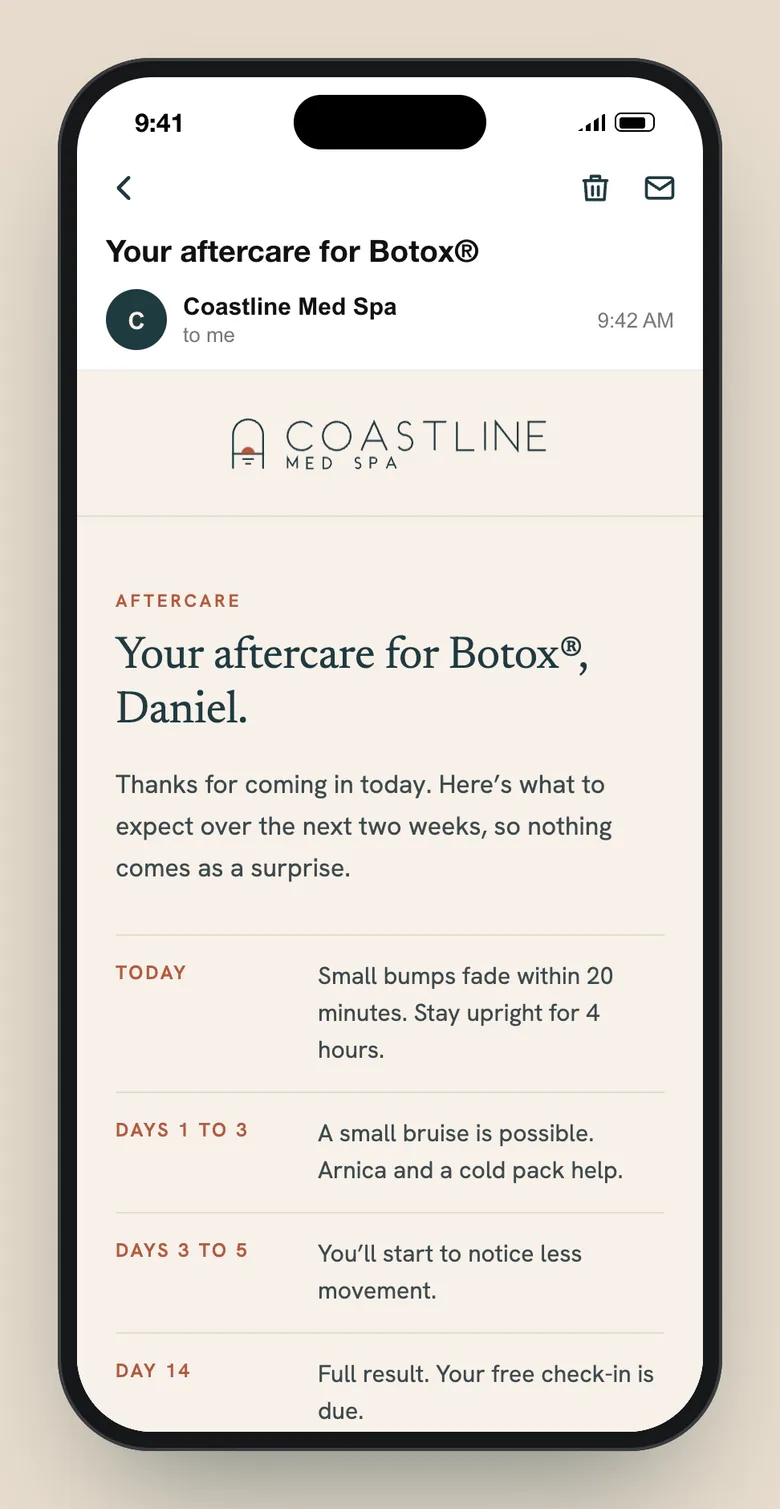
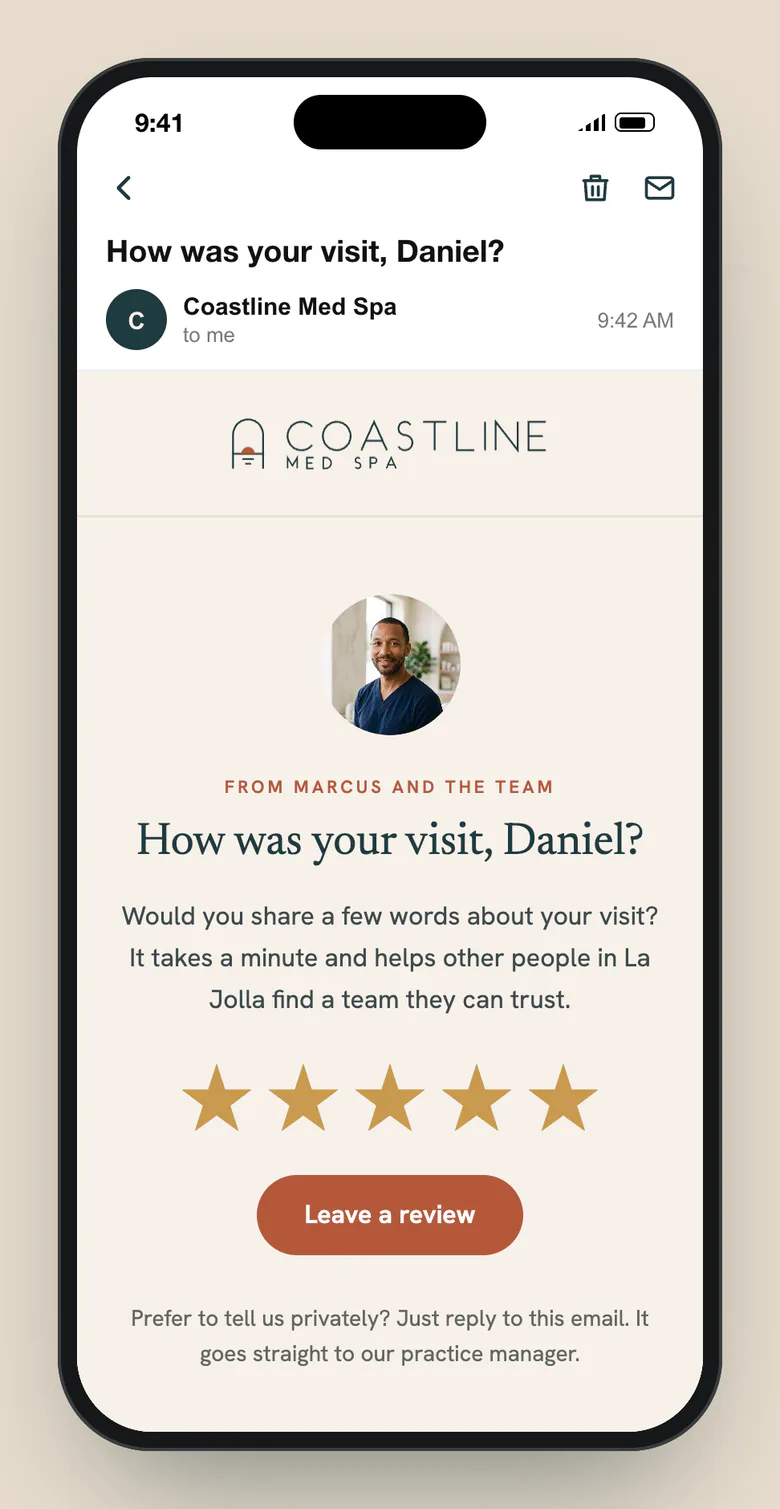
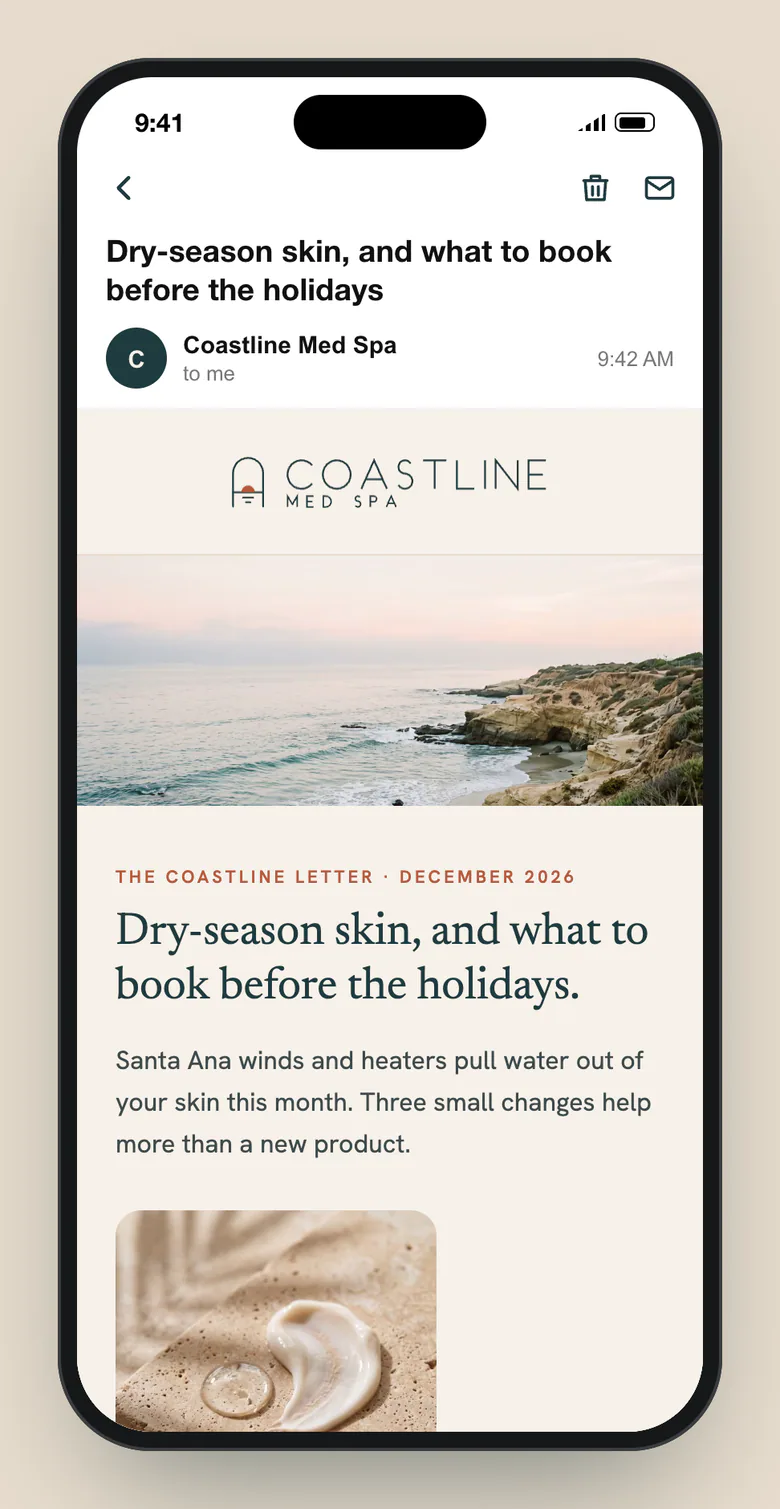
The follow-up in order
From the text seconds after the finder to the reminders and emails.
How to set it up in GoHighLevel
1Write the texts first
Each text says who it's from, one thing to do and the opt-out line, in one 160-character segment. Use custom values for the business name and phone, so every message stays in sync.
2Build the emails from one template
In Marketing → Emails, design one template in the brand colors with a single button, then reuse it for every message.
3Send them from workflows
Put the speed-to-lead messages in one workflow and the booking messages in another, triggered by the appointment status.
4Respect quiet hours and consent
Only text people who ticked the SMS consent box, and keep marketing texts out of quiet hours.
Common mistakes
- Long texts that split into three segments.
- No opt-out line.
- Nudges after the booking.
- Emails with five buttons.
FAQ
How long should a follow-up text be?
One segment: 160 characters, including the opt-out line.
How many follow-ups before stopping?
Three or four nudges over about a week, then a monthly email for people who didn't book.
Should emails and texts say the same thing?
No. The text gets one action; the email can carry the details.

Conversion designer. I design and build whole websites, funnels and landing pages in GoHighLevel and other page builders, write the copy and set up the tracking and A/B tests. CXL certified.