- Home
- Page builders
- GoHighLevel
- Lead magnet pages
GoHighLevel · Guide · 4 steps
How to design and build lead magnet pages in GoHighLevel
For leads who aren't ready to book: a guide worth an email, a preview that proves it, a two-field form and a follow-up that ends in the consult.
In this guide · 4 steps
Short answer
What makes a lead magnet page in GoHighLevel convert?
A guide that answers the question people have before they buy, a preview that shows real pages, a short form and a workflow that delivers the guide and follows up. In HighLevel, build the page as a funnel step with a form, tag the contact on submit, and let a workflow send the guide and the next messages.
In short
- Answer the question before the purchase.
- Show real pages as proof.
- Two or three fields.
- A workflow delivers and follows up.
- End with the main offer.
Some visitors are still researching. A guide they want gives them a reason to leave an email, and the follow-up brings them back when they're ready to book.
The example: a 12-page treatment guide
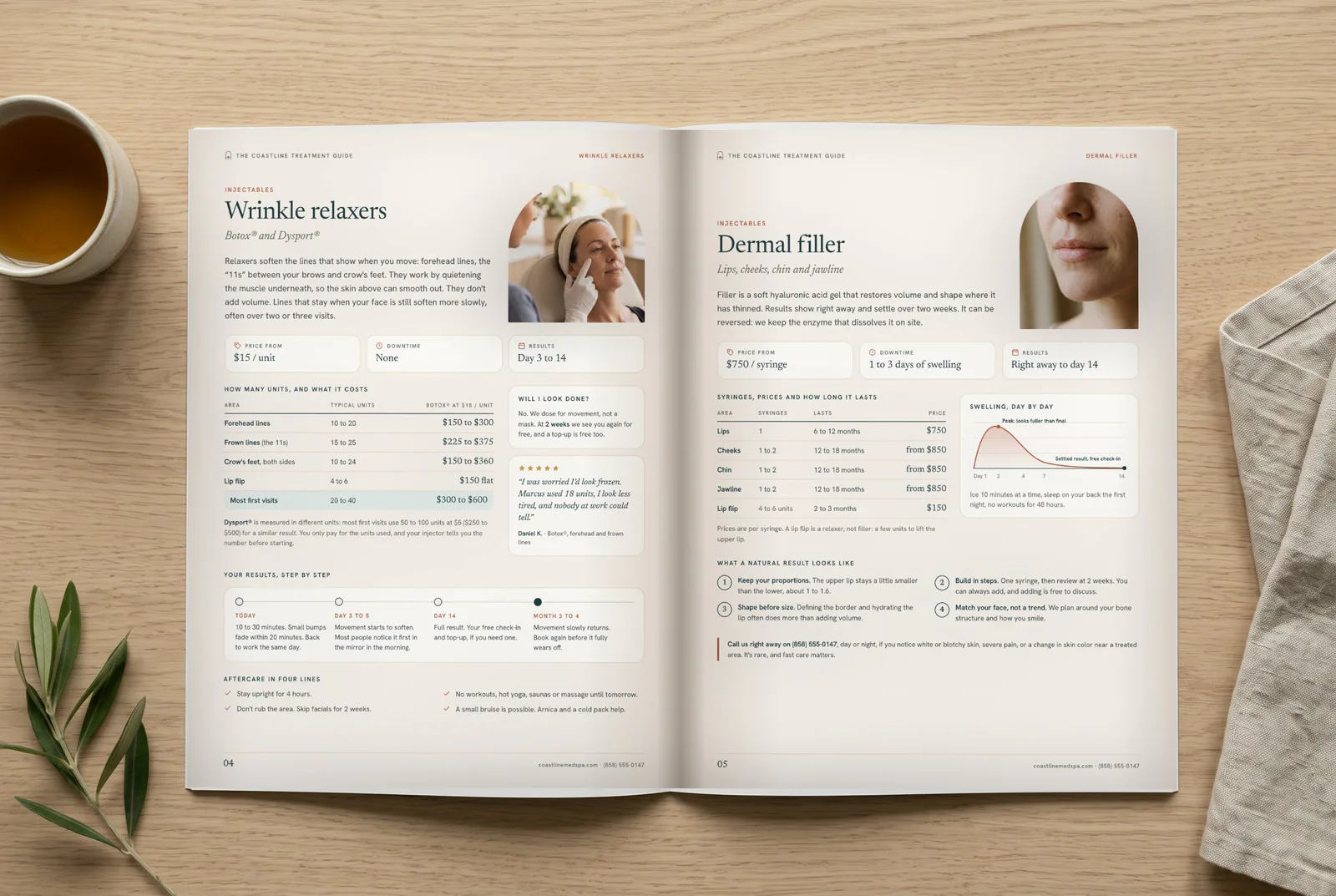
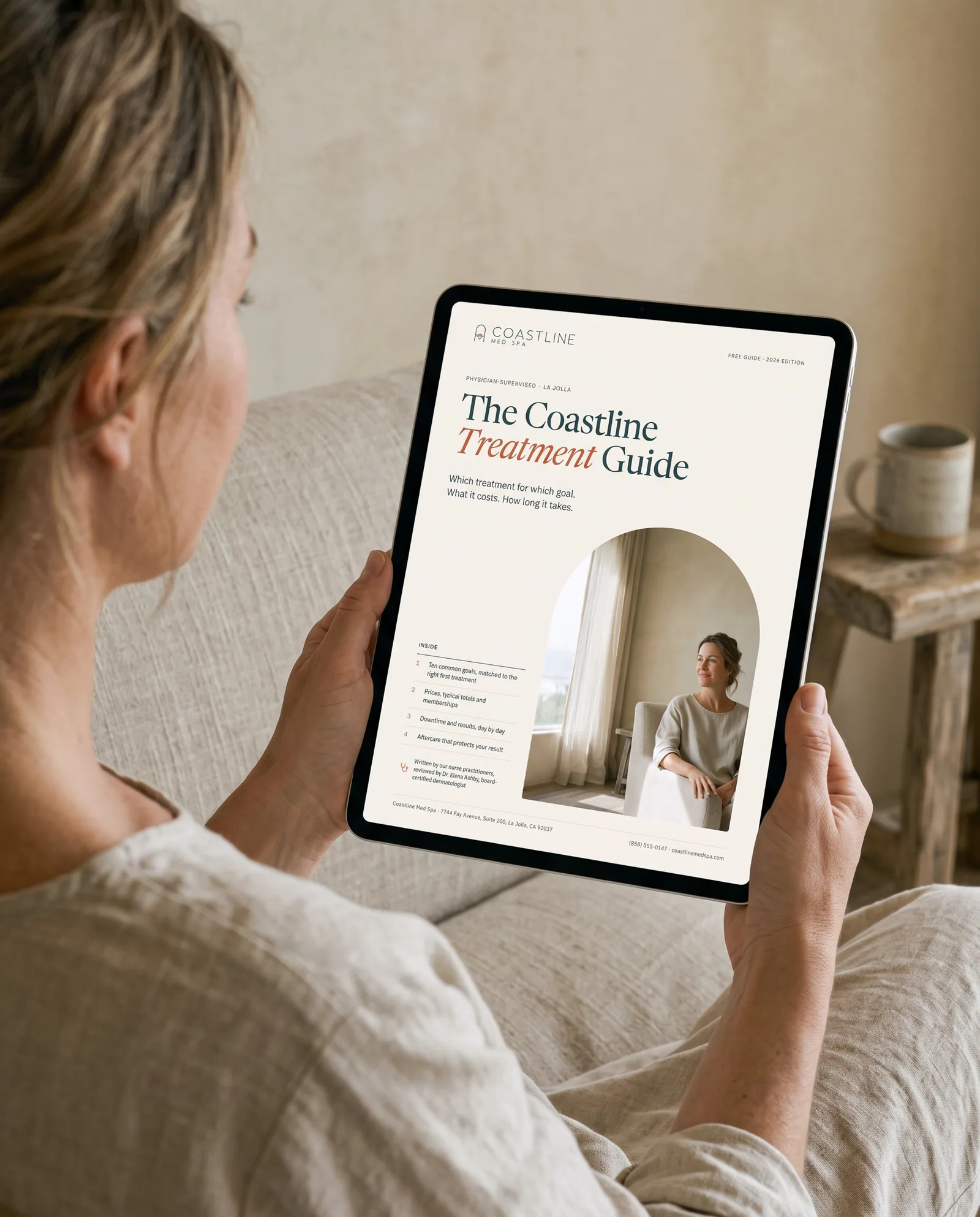
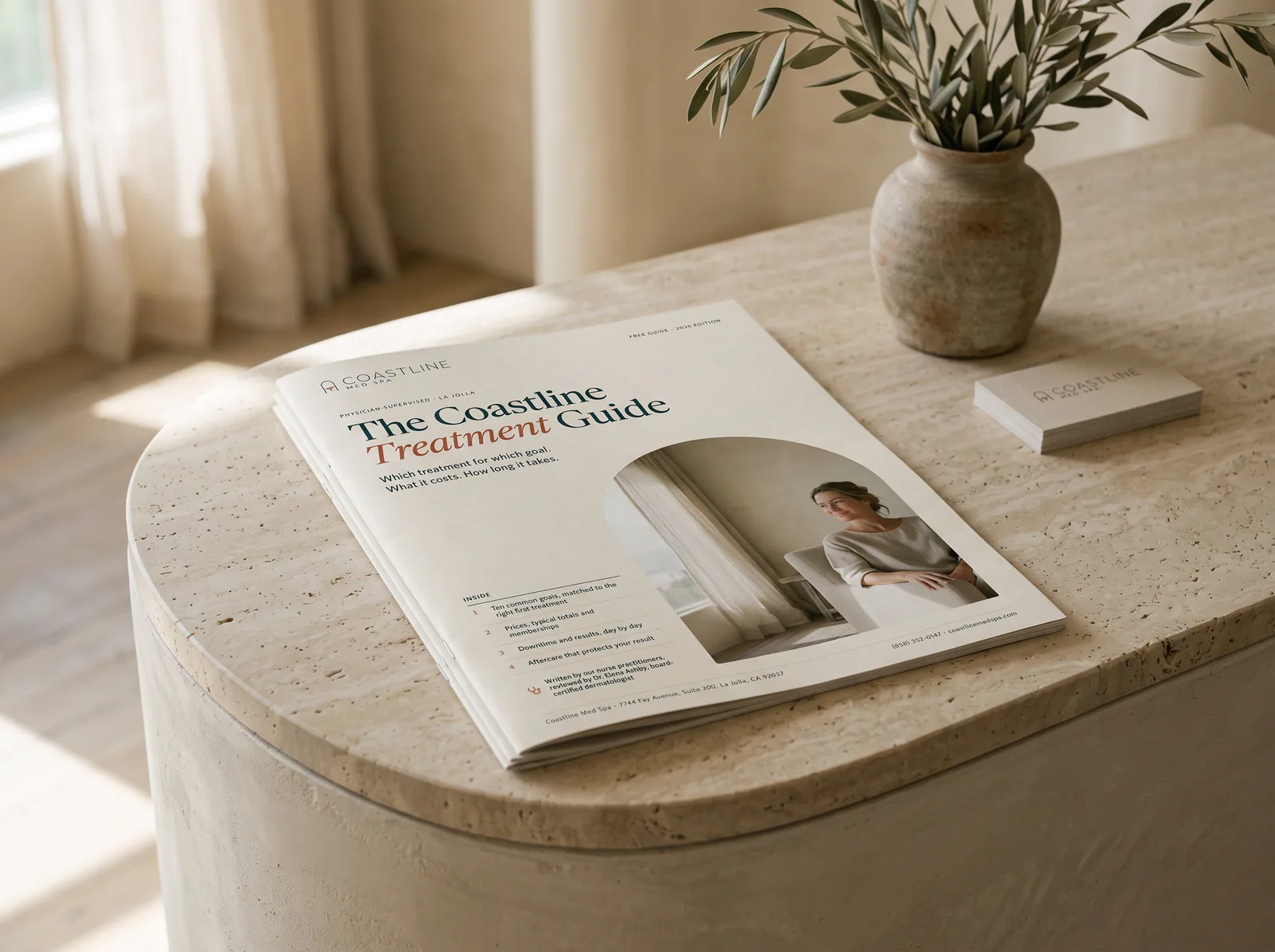
The Coastline Treatment Guide matches ten common goals to the right first treatment, with prices, downtime and aftercare, and ends with the free consult.
The preview page
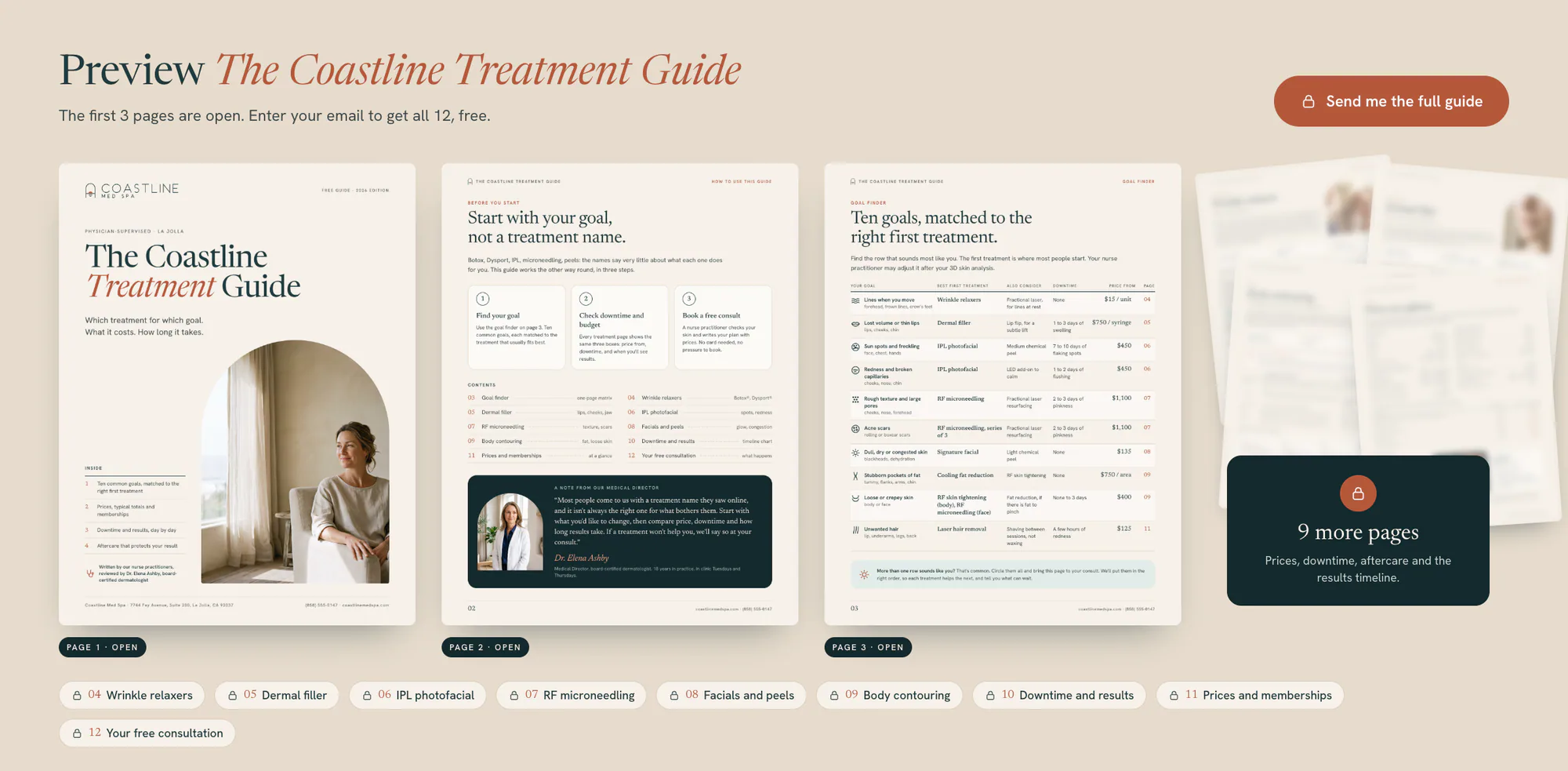
The first three pages are open, so people see the guide is worth it; the other nine chapters are listed and unlock with an email.
What makes it convert
- Relevance. It answers the question people ask before booking: which treatment, what it costs, how long it takes.
- Proof of content. Real pages beat a cover and a promise.
- Low friction. First name and email, nothing else.
- Follow-up. The guide email is one step in a sequence that ends with the consult.
How to build it in GoHighLevel
1Build the page as a funnel step
Add a step to your funnel for the guide, with the promise, a few open pages and a form.
2Add a short form
Use a HighLevel form with first name and email, and a button that says what they get.
3Deliver it with a workflow
Trigger a workflow on the form submission: tag the contact, send the guide email, then follow up over a few days.
4Point the follow-up at the main offer
The last emails invite them to the main step, such as the treatment finder or the free consult.
Common mistakes
- A guide that doesn't match the offer.
- No preview of the content.
- Five fields for a free guide.
- Delivering the guide and nothing after it.
FAQ
Should the guide be gated at all?
Show enough to prove it's useful, then ask for an email for the rest. That trade is the point of the page.
How does HighLevel send the guide?
A workflow on the form submission sends an email with a link to the guide, and tags the contact for the follow-up.
Where should the lead magnet be offered?
Where people research: articles, the website, and ads for cold audiences.

Conversion designer. I design and build whole websites, funnels and landing pages in GoHighLevel and other page builders, write the copy and set up the tracking and A/B tests. CXL certified.