- Home
- Page builders
- Instapage
- Google and Meta ads
Instapage · Guide
Google and Meta ads for Instapage landing pages
Search ads that open the page for their ad group, Meta ads that open the Default, and the same words in the ad and the headline.
Short answer
How should ads for an Instapage page be set up?
Send each search ad group to the page or experience written for it, and pin the first headline to the same words as that page's H1. Give Meta ads several angles, such as an offer, proof and an objection, and keep Reels and Stories text inside the safe zones.
In short
- One page per ad group.
- Pin headline 1 to the H1.
- Several angles for Meta.
- Product cards, not stock photos.
- Reels text in the safe zones.
The ad and the page are one experience. A trades owner who searched “hvac crm” should see HVAC in the ad and in the headline.
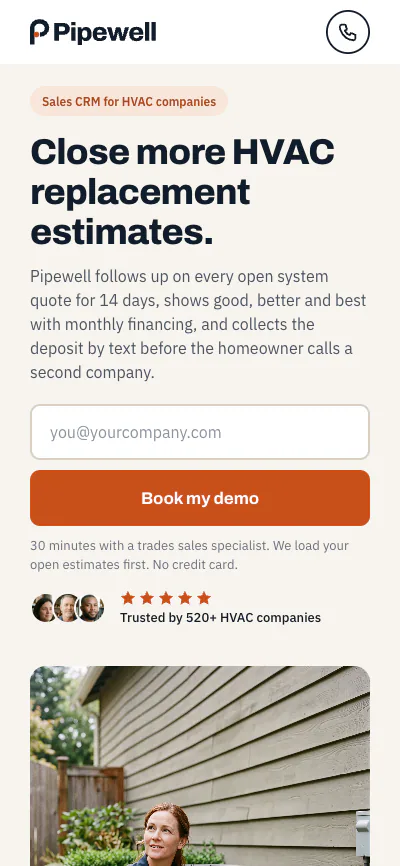
Feed ads and the page they open
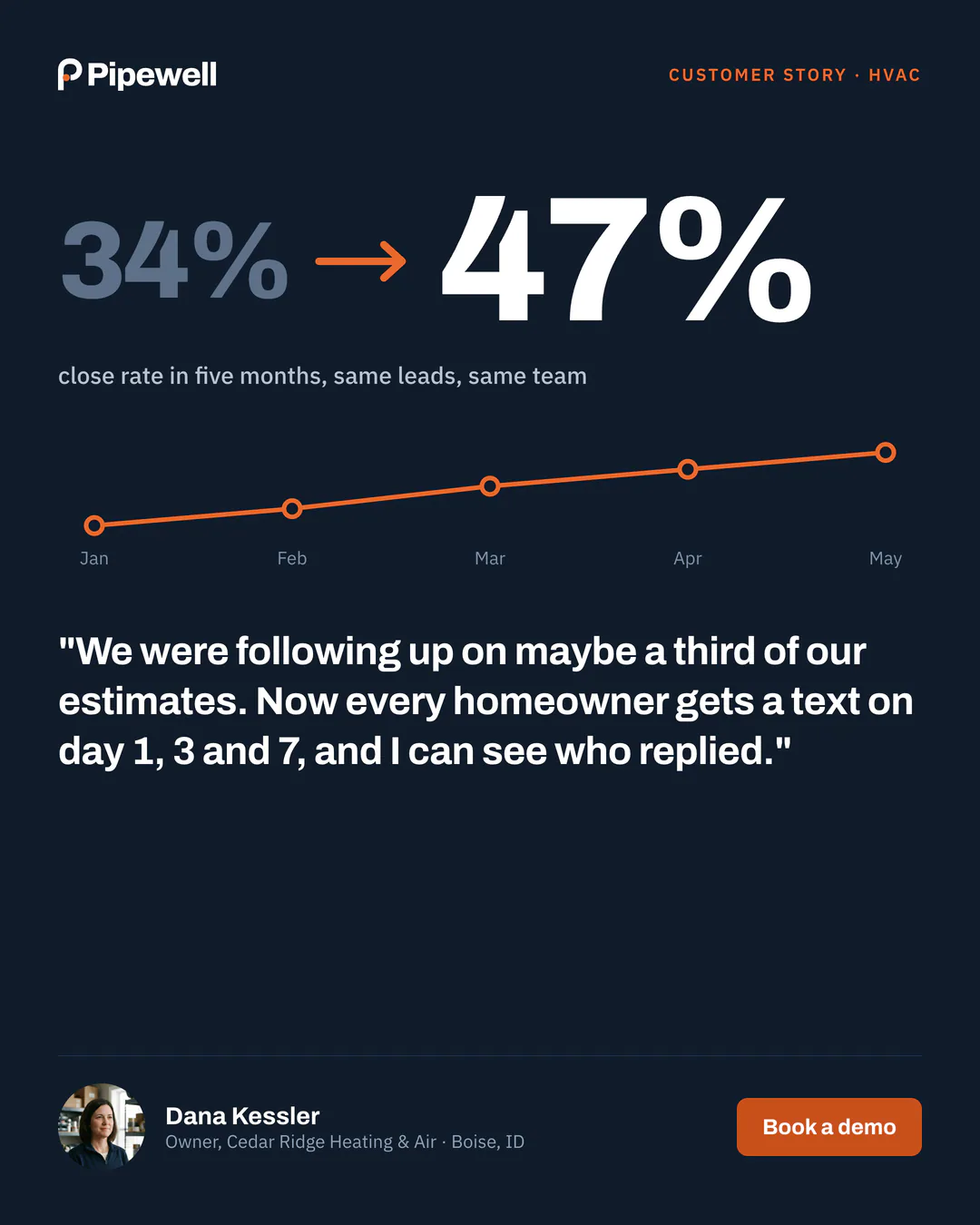
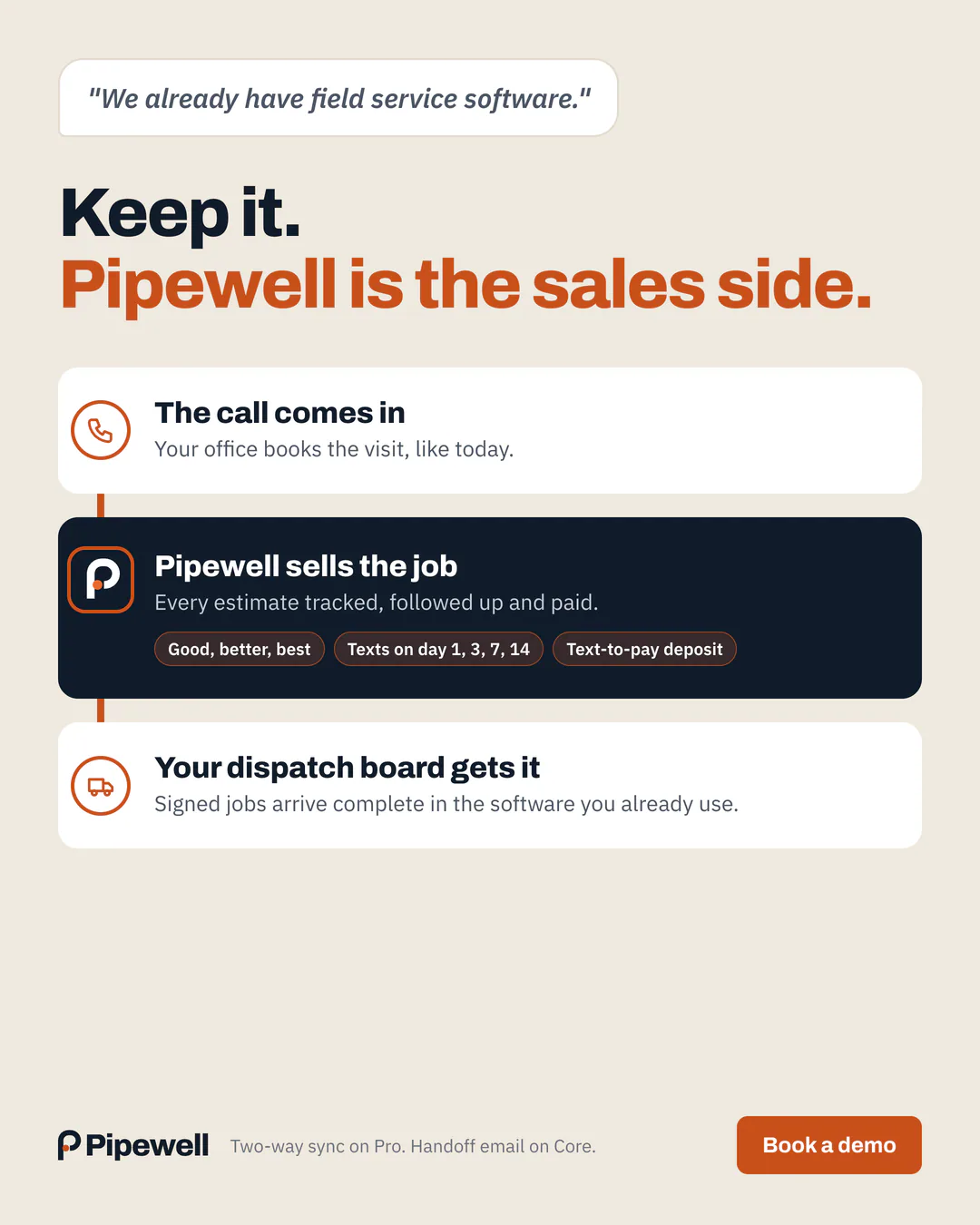
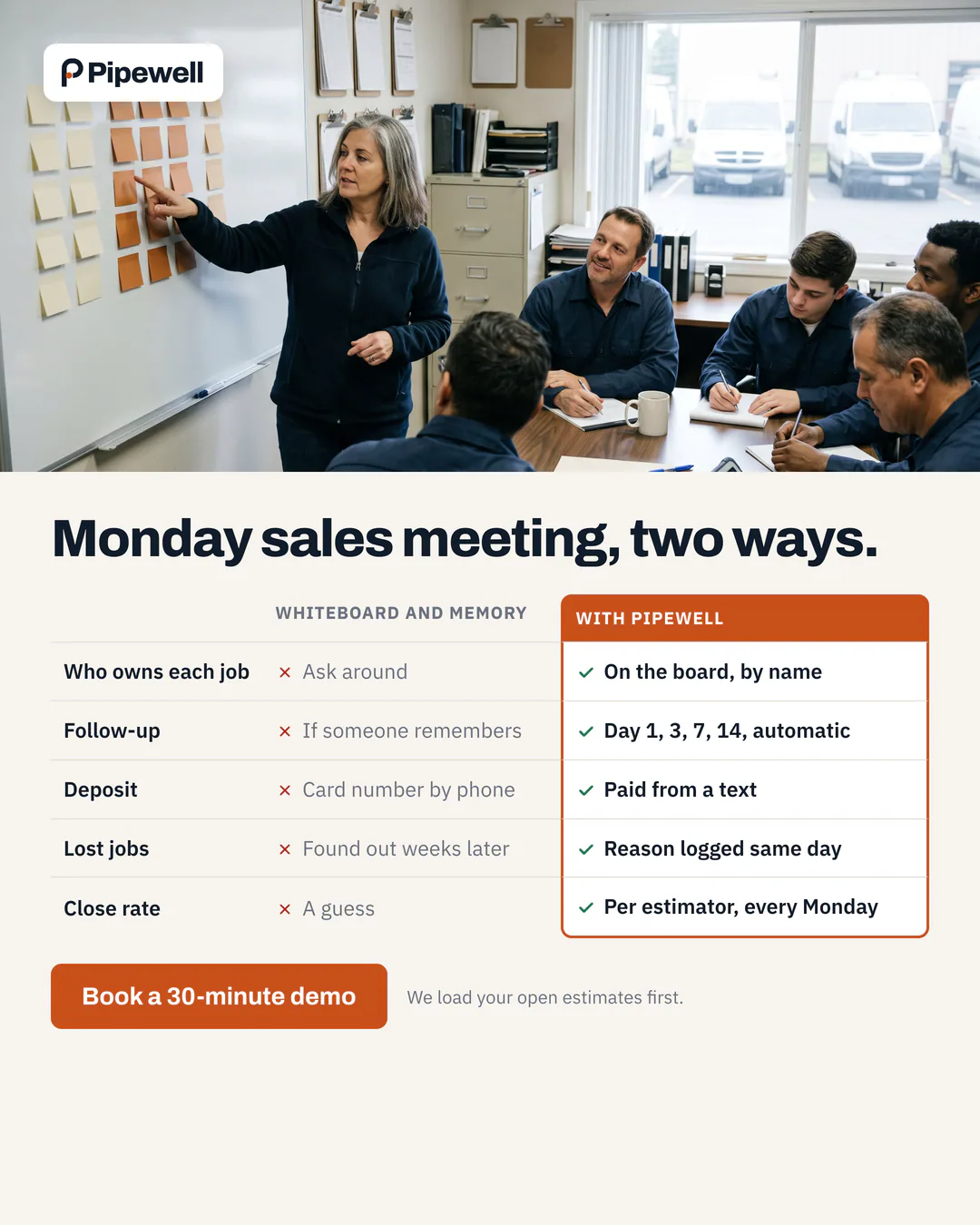
Offer, proof, pain, objection and comparison, each with a card from the product.

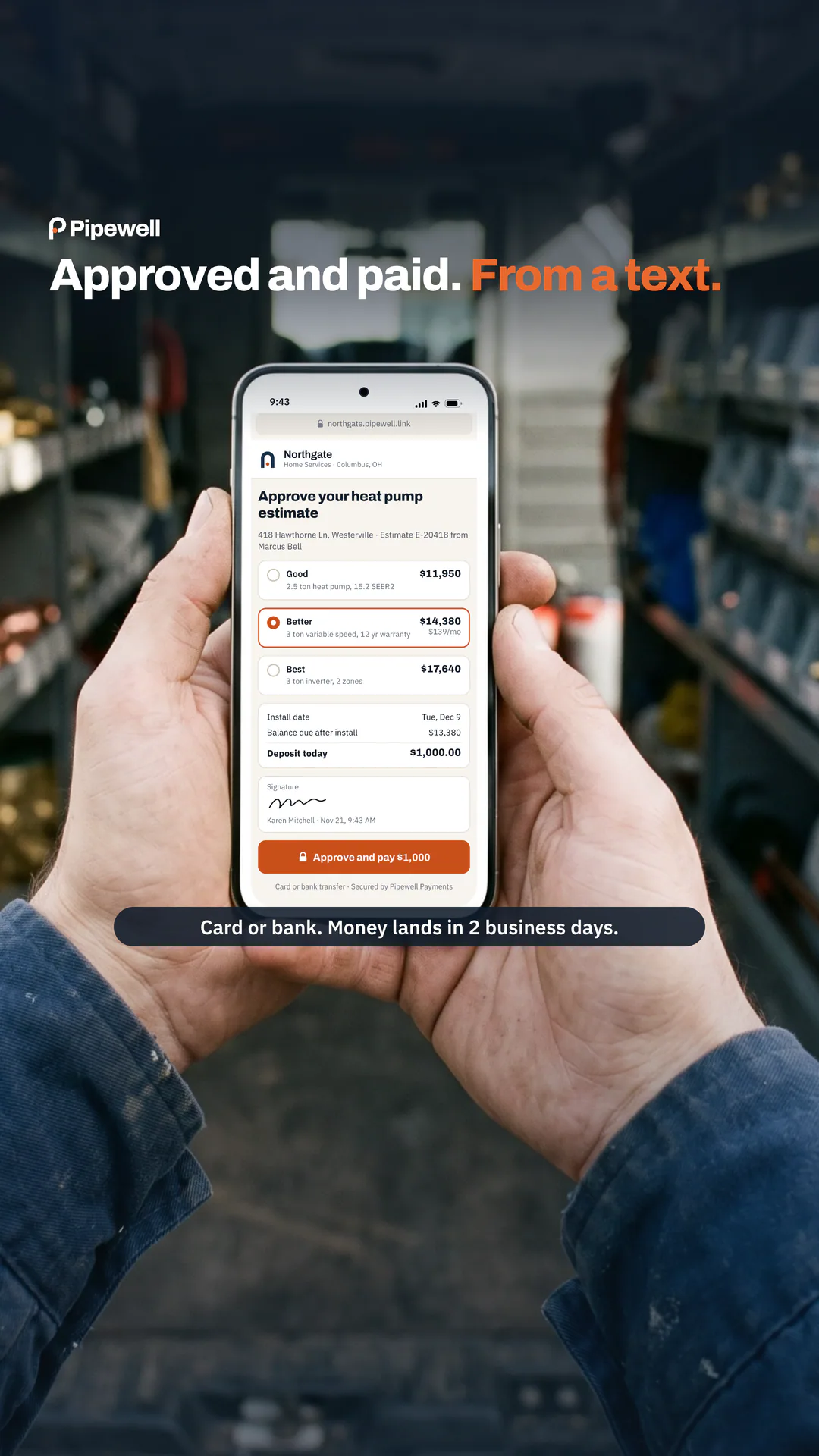
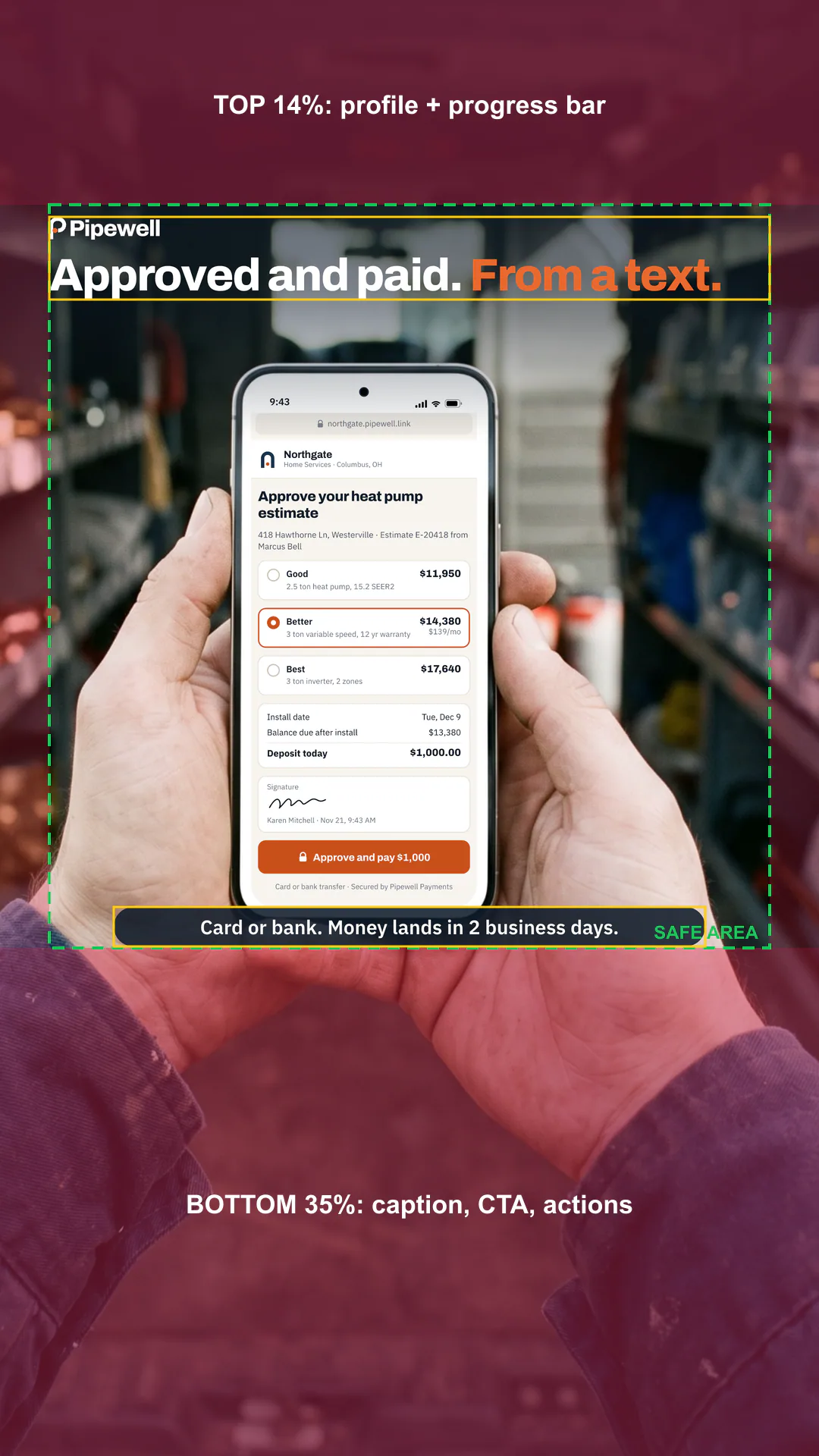
Reels and Stories
Captions and the product card stay out of the top 14% and bottom 35%. Switch on the overlay to check.
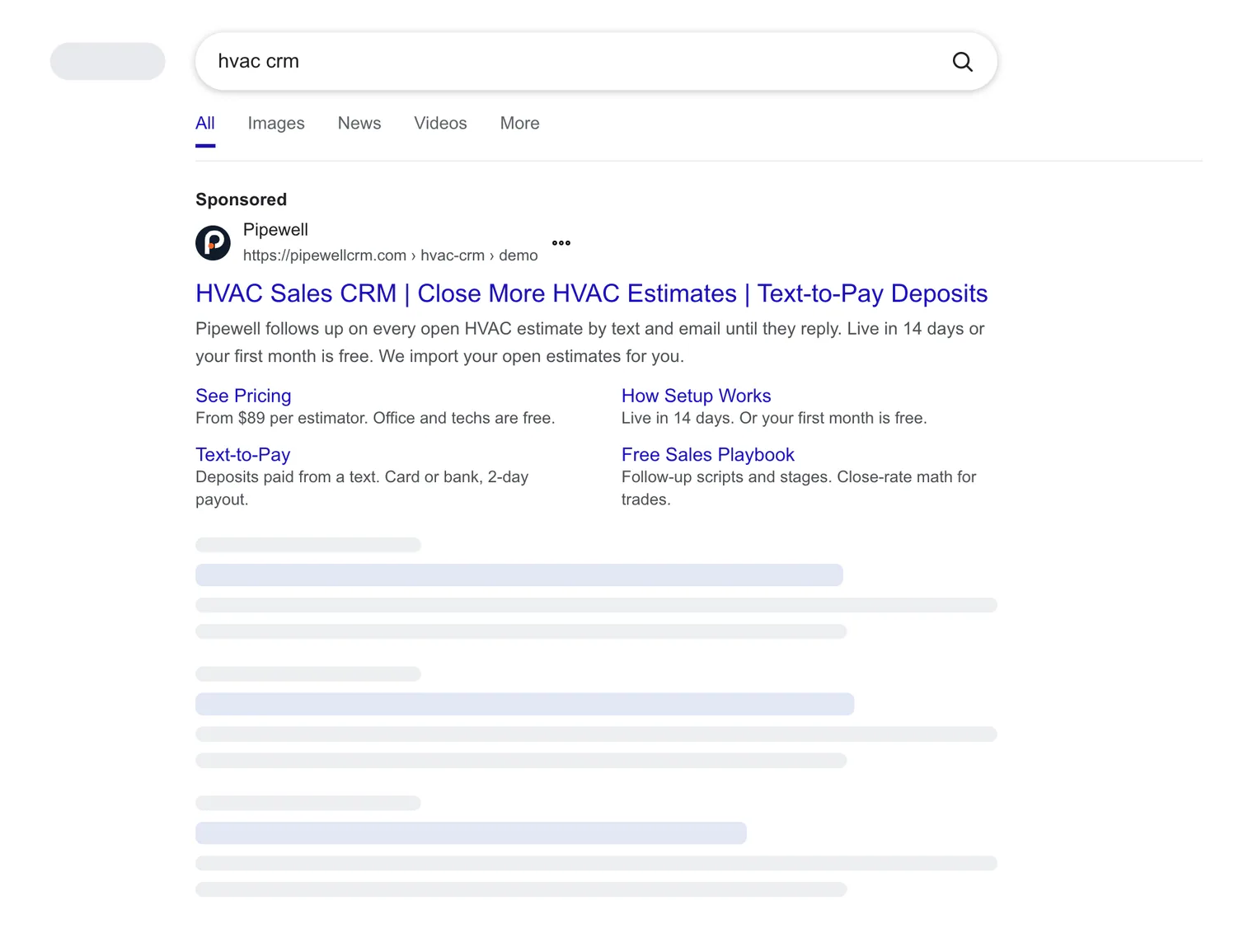
Google search
Headline 1 pinned to the ad group's trade, the same words as the trade page's H1.
Common mistakes
- Every ad group sent to one generic page.
- An ad headline the page never repeats.
- Text under the Reels buttons.
FAQ
Should Meta ads open the trade pages too?
Only if the audience is one trade. For broad audiences the Default page fits better.
What does pinning a headline do?
It keeps that headline in position 1 of a responsive search ad, so the ad always says the same words as the page.

Conversion designer. I design and build whole websites, funnels and landing pages in Instapage and other page builders, write the copy and set up the tracking and A/B tests. CXL certified.