- Home
- Page builders
- Wix Studio
- Wix Blog
Wix Studio · Guide · 6 steps
How to set up Wix Blog in Wix Studio for SEO and local search
Articles that answer what people search before they choose a clinic, in categories, each with its own SEO settings, an author with credentials and one next step.
In this guide · 6 steps
Short answer
How does Wix Blog help a local business with SEO?
Each post answers one question people search, like “low back pain: what helps in the first week”, with its own SEO title, description and slug. Categories group the topics, an author box shows the credentials, and links to the service and booking pages tie each post to the business.
In short
- One search question per post.
- Categories that match how people search.
- SEO title, description and slug per post.
- Credentials in an author box.
- Links to the service and one next step.
People search a symptom before they look for someone to treat it. A useful article meets them in search, and the links in it bring them to the service and the booking.
When a blog is worth it
- People search questions before they search for a provider.
- You want to rank for topics, not only your name.
- Your service needs trust before a booking.
- Someone on the team can write from real experience.
How to set it up in Wix Studio
1Add Wix Blog and its categories
Add the Blog app and create categories that match how people search, such as back and neck, running, strength, after surgery and pelvic health.
2Plan each post around one question
“Low back pain: what helps in the first week” answers one question fully. Put the short answer near the top.
3Make it easy to scan
Short sections, illustrated exercise cards, a short-version box and a red-flags box for when to get seen.
4Show who wrote it
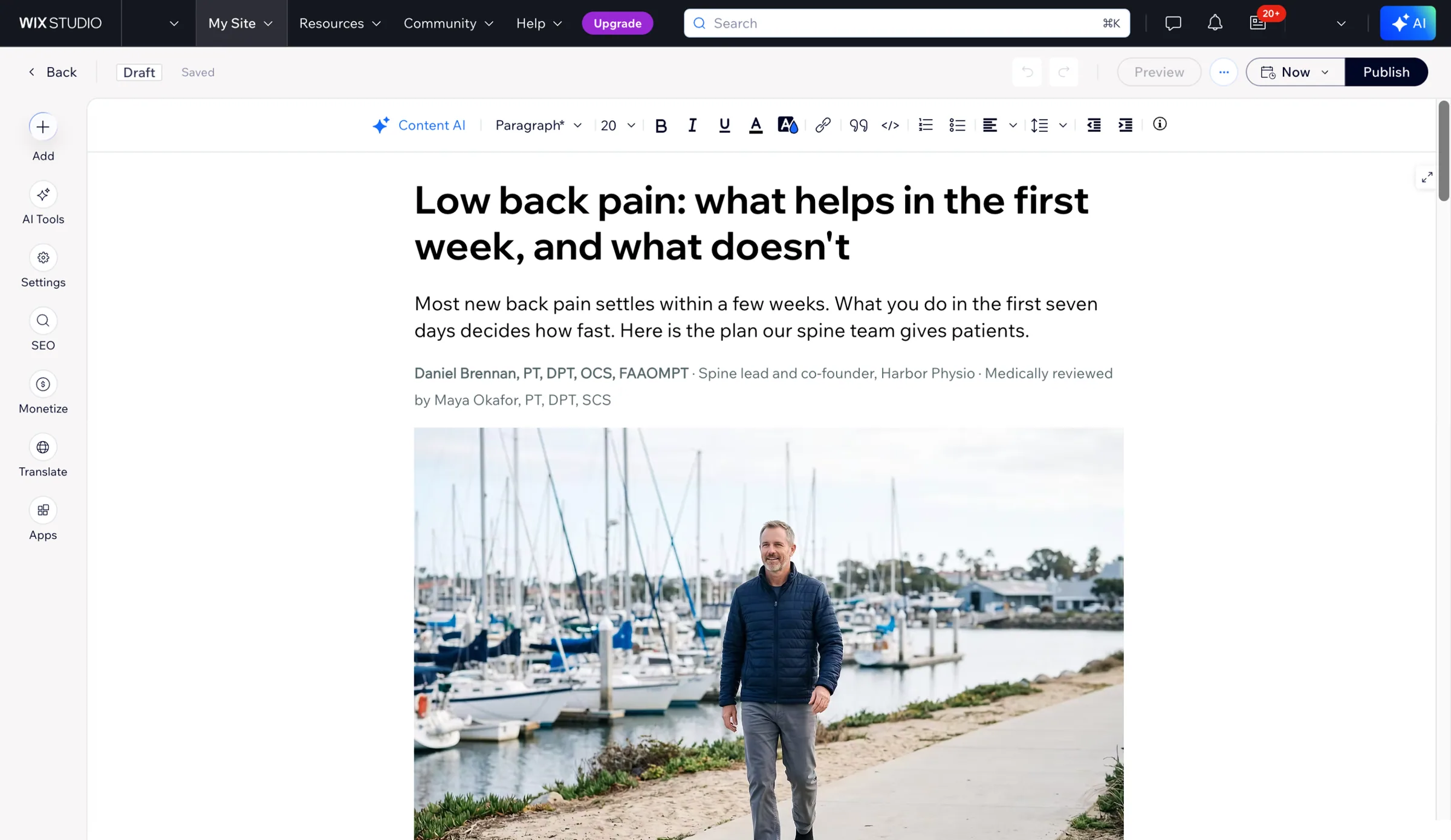
An author box with name, credentials and a medical reviewer. If Wix shows the site owner as the writer, hide the writer's name in the post page settings and put the byline in the post.
5Set SEO per post
Title, description, slug and cover image for every post.
6End with one next step
The free guide for readers who aren't ready, the assessment for those who are. One call to action, not five.
The Harbor Physio example
Harbor's blog has five categories and two articles written in full as native Wix Blog posts (drafts): “Low back pain: what helps in the first week, and what doesn't” and “Back to running after a knee injury: the 6-stage plan we use”, each with its own SEO title, description and slug.
Common mistakes
- Posts with no next step.
- One catch-all category.
- Generic titles that don't match searches.
- No author or credentials.
- Posts that never link to the service.
FAQ
How often should a clinic post?
Consistency matters less than usefulness. A few complete answers to real questions beat weekly filler.
Can each Wix Blog post have its own SEO settings?
Yes: title, description, slug and social image per post.
Does a blog help local SEO?
Yes, when posts answer questions people in your area search and link to the service and booking pages. Mention the area where it's natural, not in every line.
Can I show the author's credentials?
Yes, with an author box in the post. Hide the writer's name setting if Wix shows the site owner instead.

Conversion designer. I design and build whole websites, funnels and landing pages in Wix Studio and other page builders, write the copy and set up the tracking and A/B tests. CXL certified.