- Home
- Page builders
- Wix Studio
- Wix Bookings
Wix Studio · Guide · 7 steps
How to use Wix Bookings in Wix Studio to get more conversions
Let people book the first visit online in four short steps, with reminders that cut no-shows and pages that look like the rest of the site.
In this guide · 7 steps
Short answer
How does Wix Bookings raise conversions?
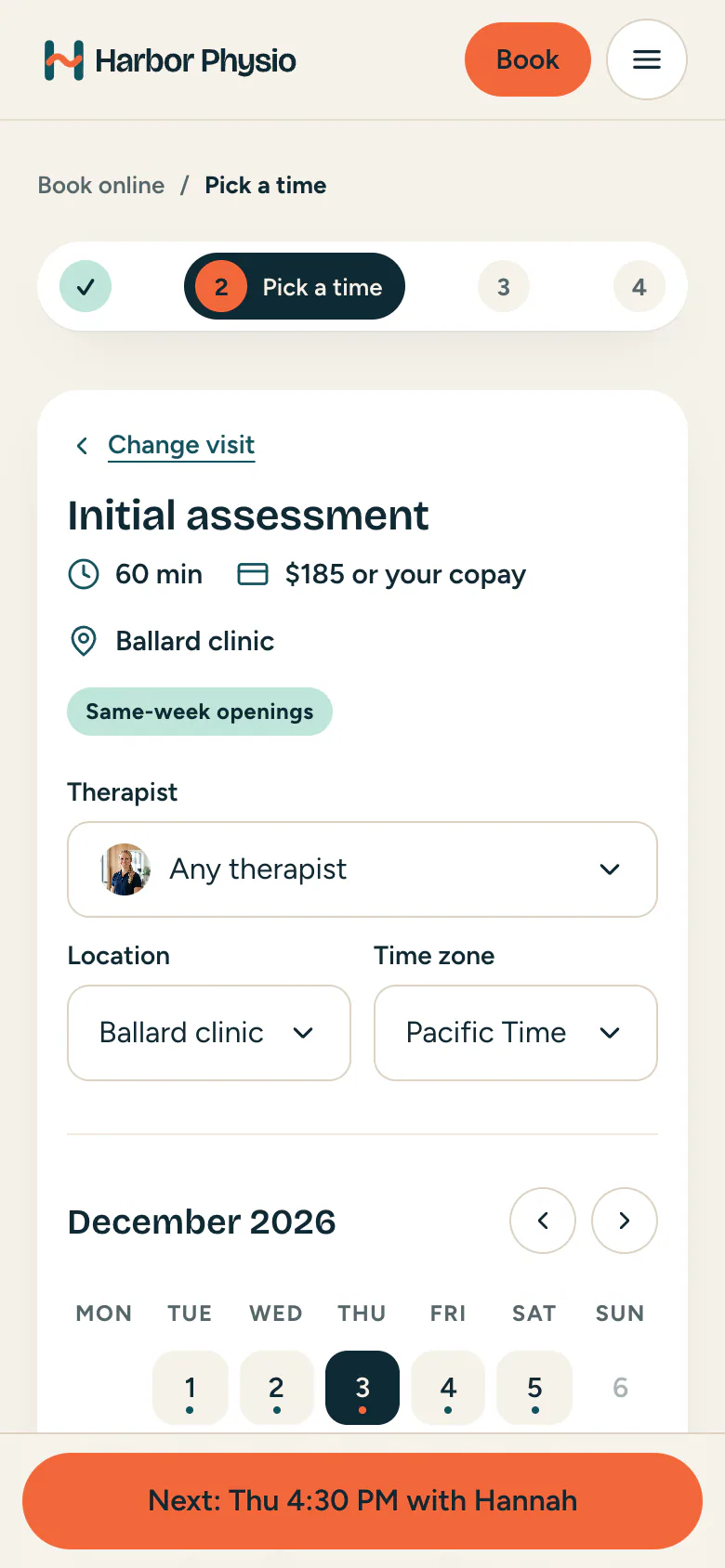
It lets people book when they decide, often in the evening, instead of planning to call tomorrow. Four short steps (visit, time, a short intake, confirmation), real open times and a reminder before the visit turn more interest into kept appointments.
In short
- One decision per step.
- Set the currency and time zone before prices.
- Services, staff hours and a short intake.
- Confirmation and a reminder before the visit.
- Bookings pages designed to match the site.
Every “I'll call tomorrow” is a booking at risk. Online booking catches people at the moment they decide.
When it raises conversions
- People decide outside office hours.
- Phone tag loses people between the first call and the visit.
- Seeing real open times removes doubt.
- Reminders reduce no-shows.
How to set it up in Wix Studio
1Plan the flow as four steps
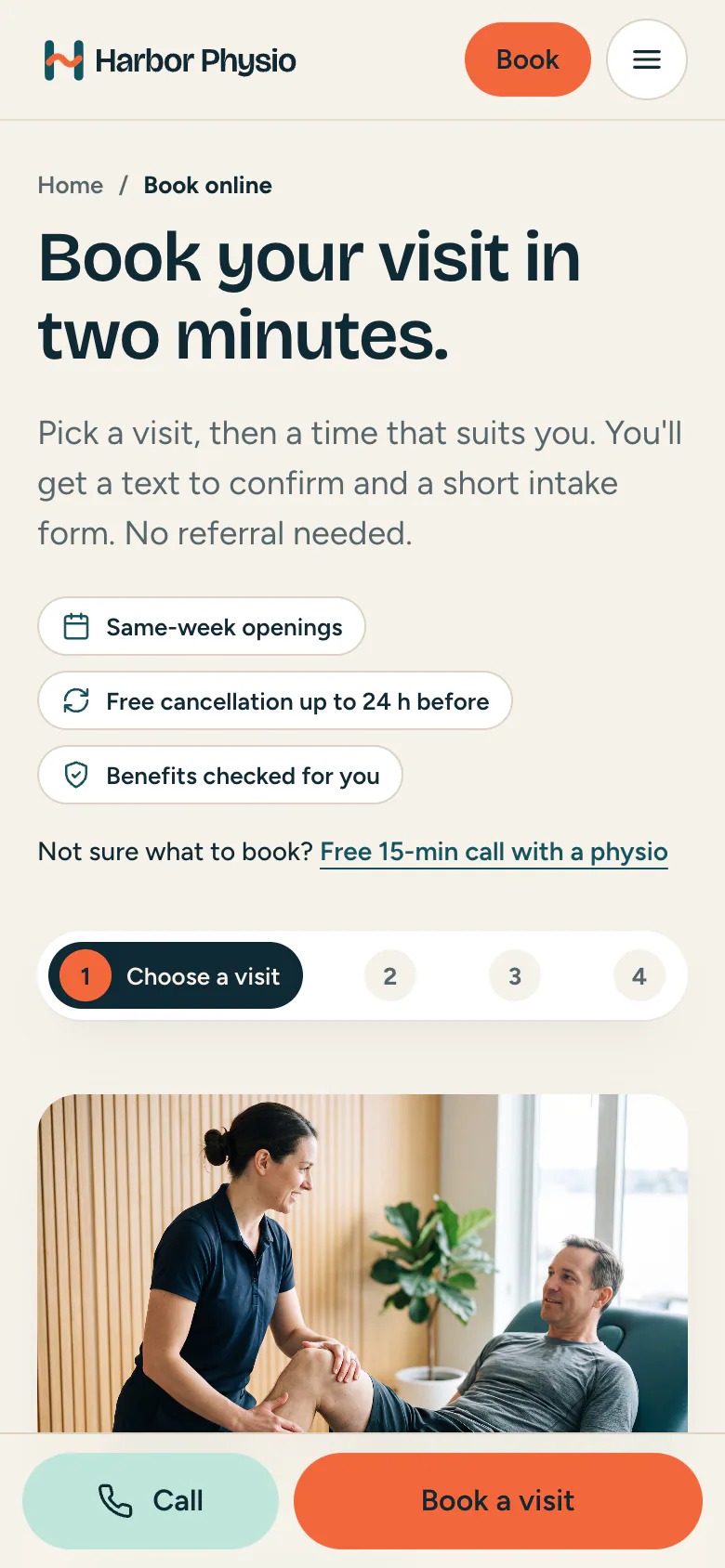
Pick a visit, pick a time, a short intake, then a confirmation with time, place, parking and what to bring. One decision per screen, designed for a phone first.
2Install Wix Bookings
Adding the app creates its pages: Book Online, Booking Calendar, Booking Form, Service Page and the thank-you page. Remove anything the app adds to the header that covers your Book button, such as a cart icon or a member login bar.
3Set the currency and time zone first
In Settings, set the site's language, region, currency and time zone before you add services, so prices and times are right from the start.
4Add services and staff
Create each service with its category, length, price and a buffer after it, then each staff member with their working hours. Offer “Any therapist” as the default choice.
5Keep the intake short
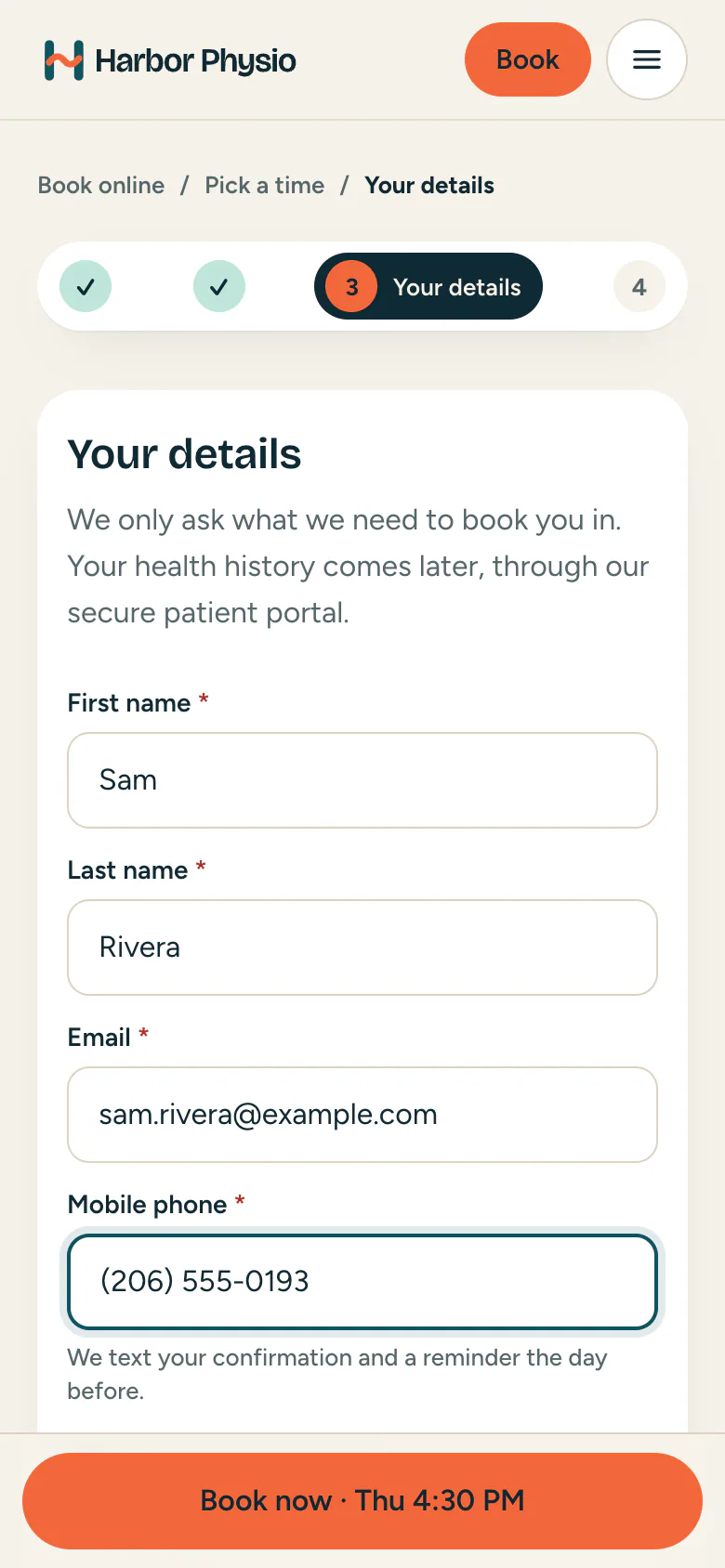
Name, contact details, the main problem, insurance optional. Everything else can wait for the visit.
6Turn on confirmations and reminders
Send a confirmation right away and a reminder 24 hours before the visit, by email and by text where you have consent.
7Design the Bookings pages to match
Style the calendar, form and thank-you pages with the site's colors and fonts, so the booking feels like the same site, not a different app.
The Harbor Physio example
Harbor's four booking steps are designed and built as pages in Wix Studio, phone first, and Wix Bookings is installed with its booking pages. Its services, staff hours and prices are the next step in the build.
Common mistakes
- Asking for insurance details before the time is picked.
- No “Any therapist” option.
- Prices set before the site currency is right.
- No reminder before the visit.
- App icons covering the Book button on phones.
Track bookings, carefully
Count the native “Booking completed” event in Wix Analytics or GA4, plus taps on Call. For a health business, keep ad pixels off the booking pages.
FAQ
Can Wix Bookings handle several therapists?
Yes. Each staff member has their own hours, and visitors can pick a person or “Any therapist”.
Can the booking pages match my site's design?
Mostly. Bookings pages take the site colors and fonts, and each widget has its own design settings.
Does Wix Bookings send reminders?
Yes. Set confirmation and reminder notifications in the Bookings settings, by email and text.
Should I put the Meta pixel on booking pages?
Not for a health business. Count bookings with Wix Analytics or GA4 instead.

Conversion designer. I design and build whole websites, funnels and landing pages in Wix Studio and other page builders, write the copy and set up the tracking and A/B tests. CXL certified.