- Home
- Page builders
- Leadpages
- A/B testing
Leadpages · Guide · 4 steps
How to A/B test a landing page in Leadpages
Build the challenger as a second variant of the same page, change one big thing, and judge the result on booked visits, not clicks.
In this guide · 4 steps
Short answer
How do you A/B test a landing page in Leadpages?
Open the page's Optimize panel, create an A/B test and a variant, change one big thing on the variant, set the conversion goal and the traffic split, then start the test and promote the winner when it has enough conversions.
In short
- One big change.
- Build it as a variant.
- Set the goal to the booking.
- Split 50/50.
- Promote the winner, then test again.
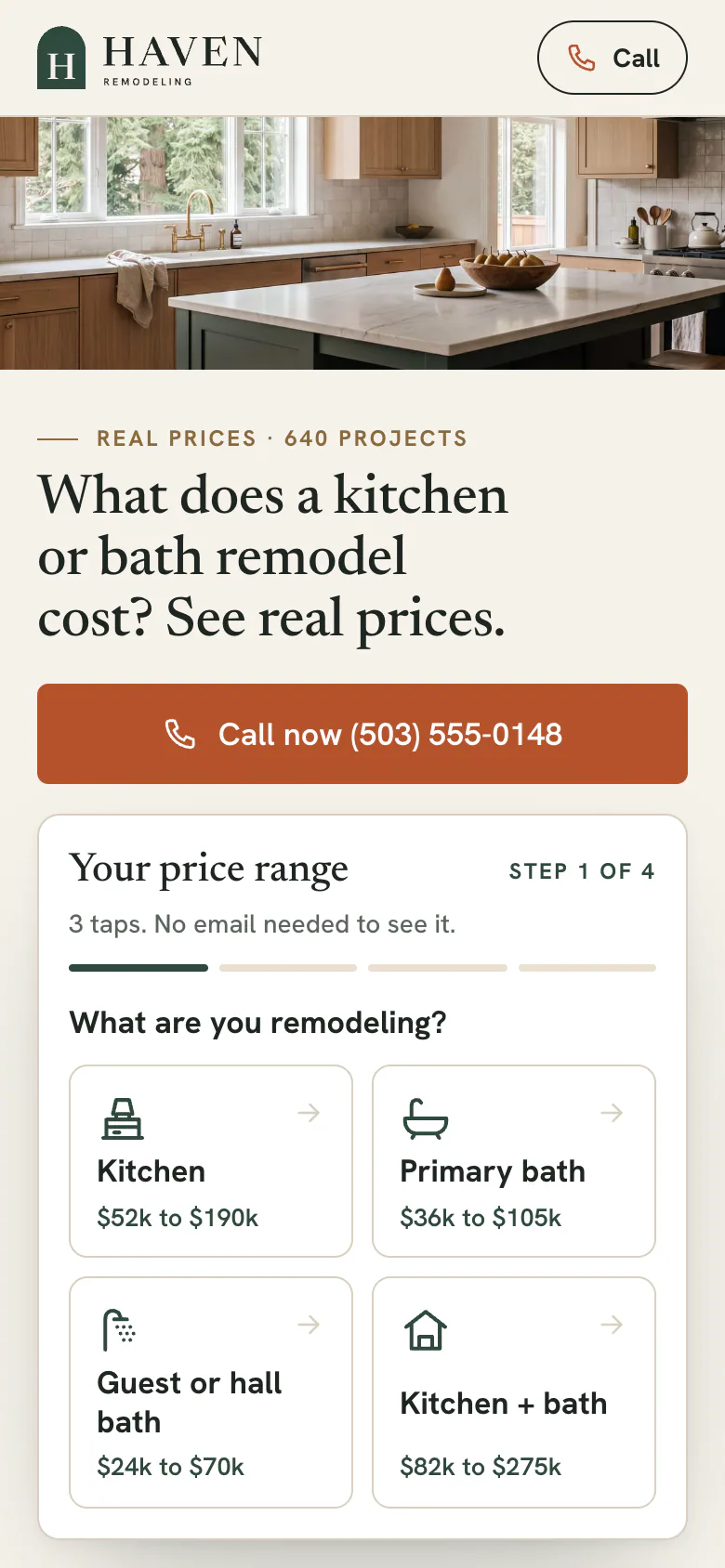
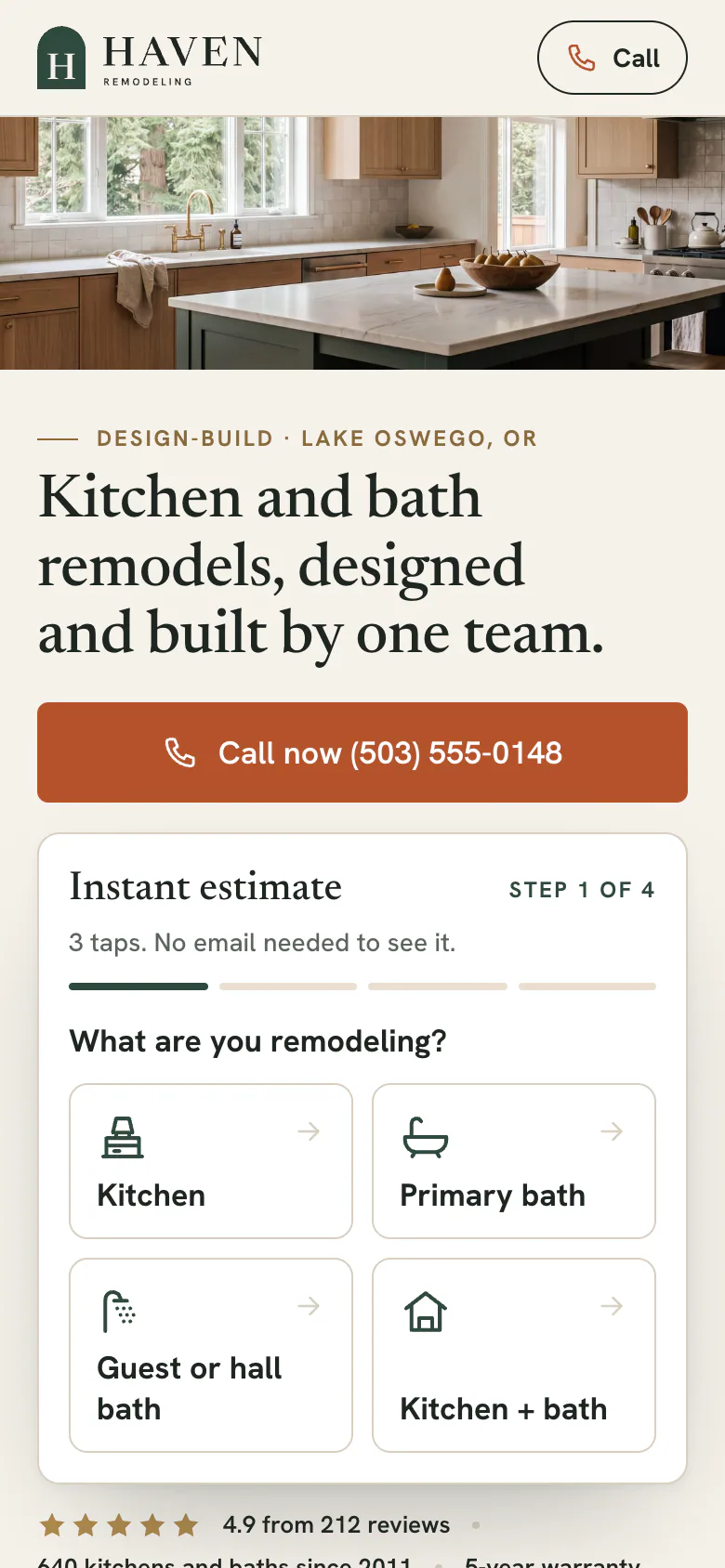
For a remodeler, the big question is whether homeowners want the team first or the price first. A variant answers it.
The two variants
Variant A sells one team that designs and builds. Variant B leads with the price ranges. Both are built in Leadpages, ready for the split test.
How to set it up in Leadpages
1Create the test
Open the page's Optimize panel and create an A/B test.
2Build the variant
Add a variant and make the one big change, such as the price ranges in the hero.
3Set the goal and split
Use the booking form as the conversion goal and split the traffic 50/50.
4Run it, then promote the winner
Let it run until it has enough conversions, then promote the winner and plan the next test.
Common mistakes
- Changing five things at once.
- Counting button clicks as conversions.
- Stopping after a few days.
FAQ
Does Leadpages have built-in A/B testing?
Yes, on plans that include it: tests are set up in the page's Optimize panel.
What should the variant change?
One big thing, like the offer or the order of the price and the form.

Conversion designer. I design and build whole websites, funnels and landing pages in Leadpages and other page builders, write the copy and set up the tracking and A/B tests. CXL certified.