- Home
- Page builders
- Leadpages
- Follow-up emails
Leadpages · Guide · 3 steps
How to write follow-up emails after a Leadpages form
Two tracks: people who asked for a design visit get a confirmation, a reminder and their range; people who asked for the guide get three emails, then the visit.
In this guide · 3 steps
Short answer
What should the follow-up after a Leadpages form look like?
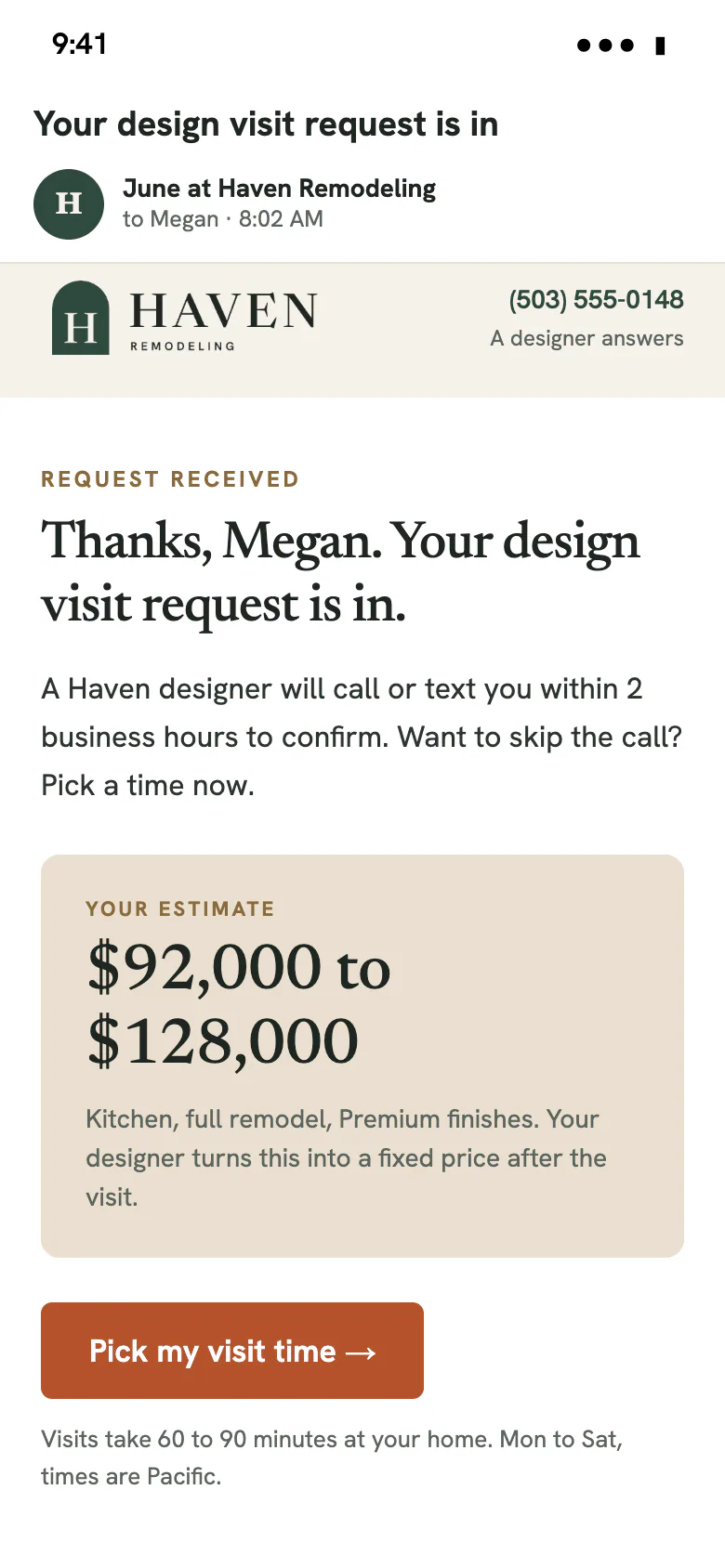
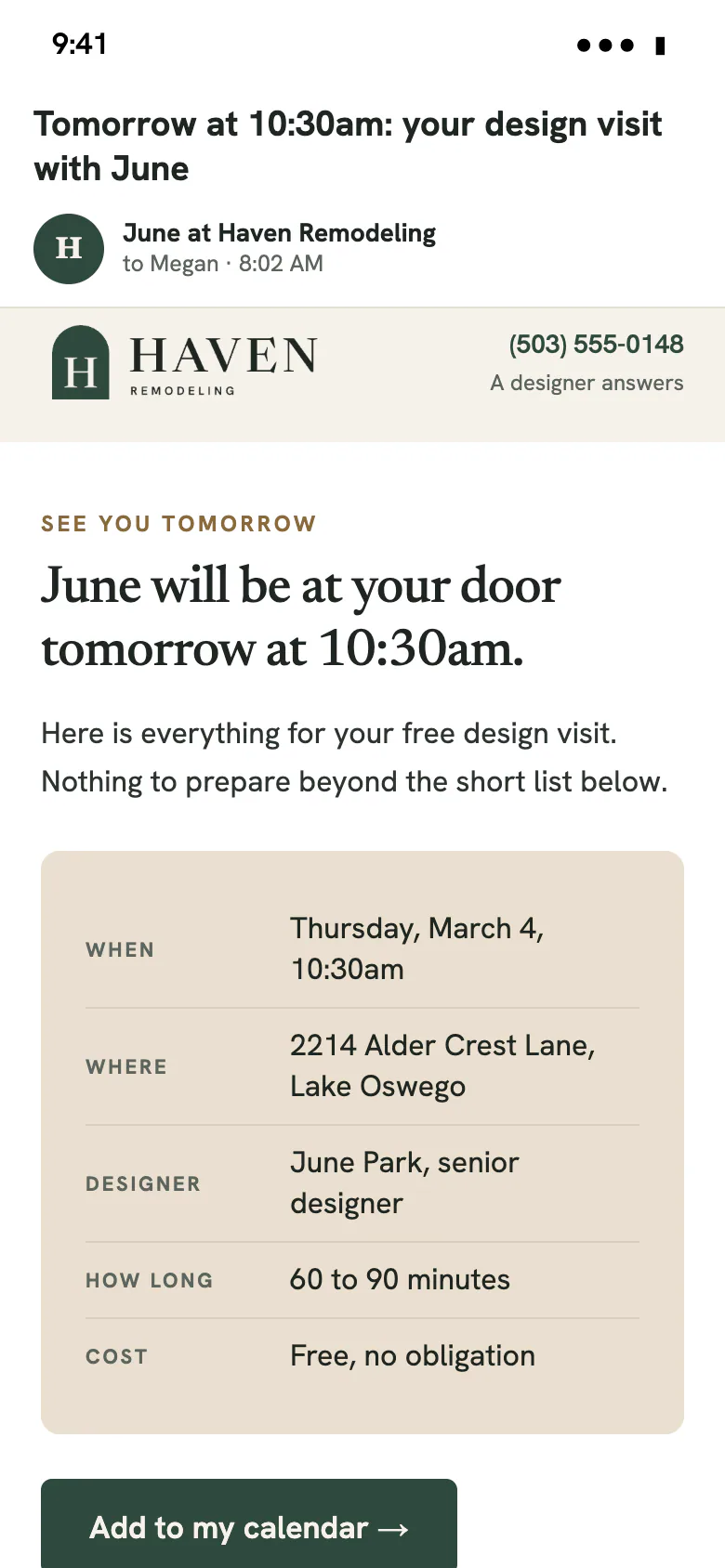
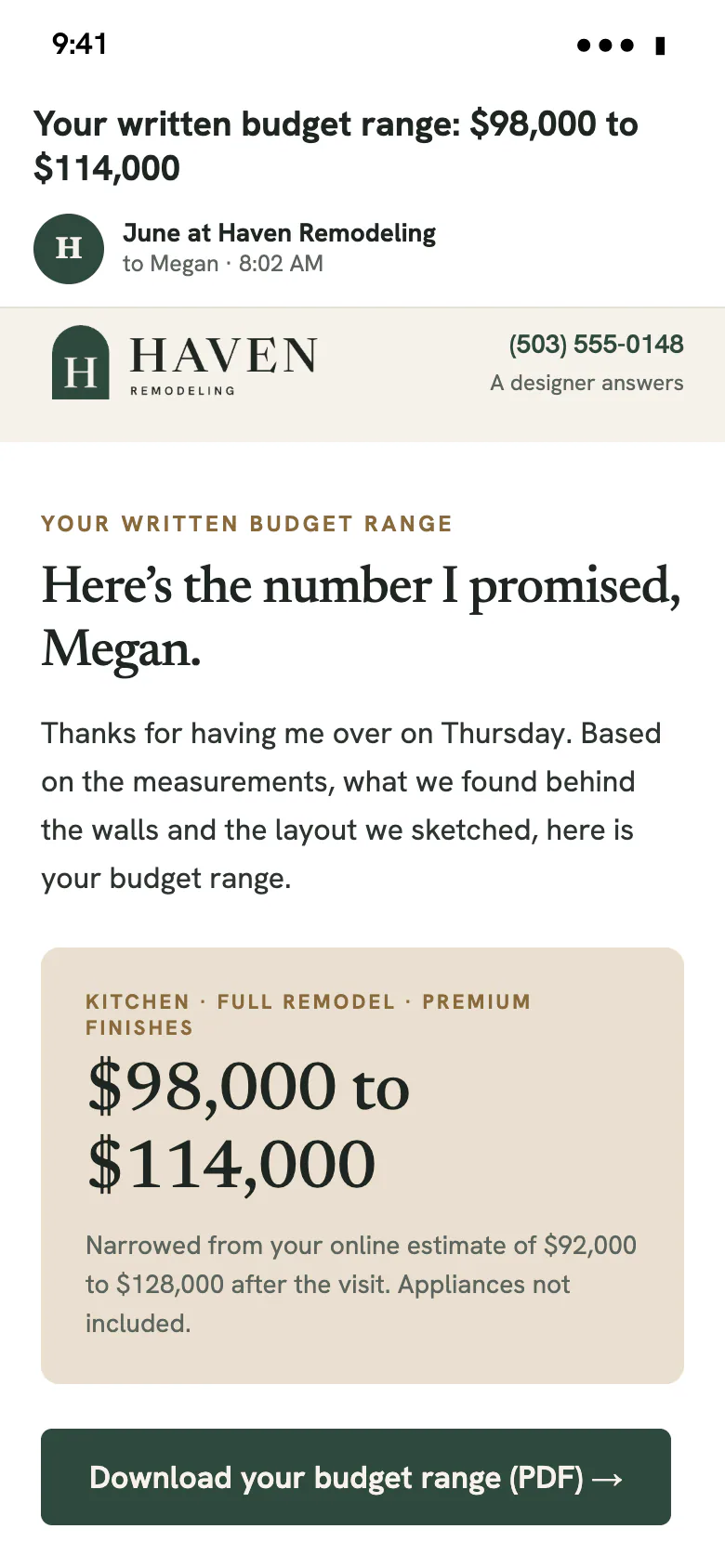
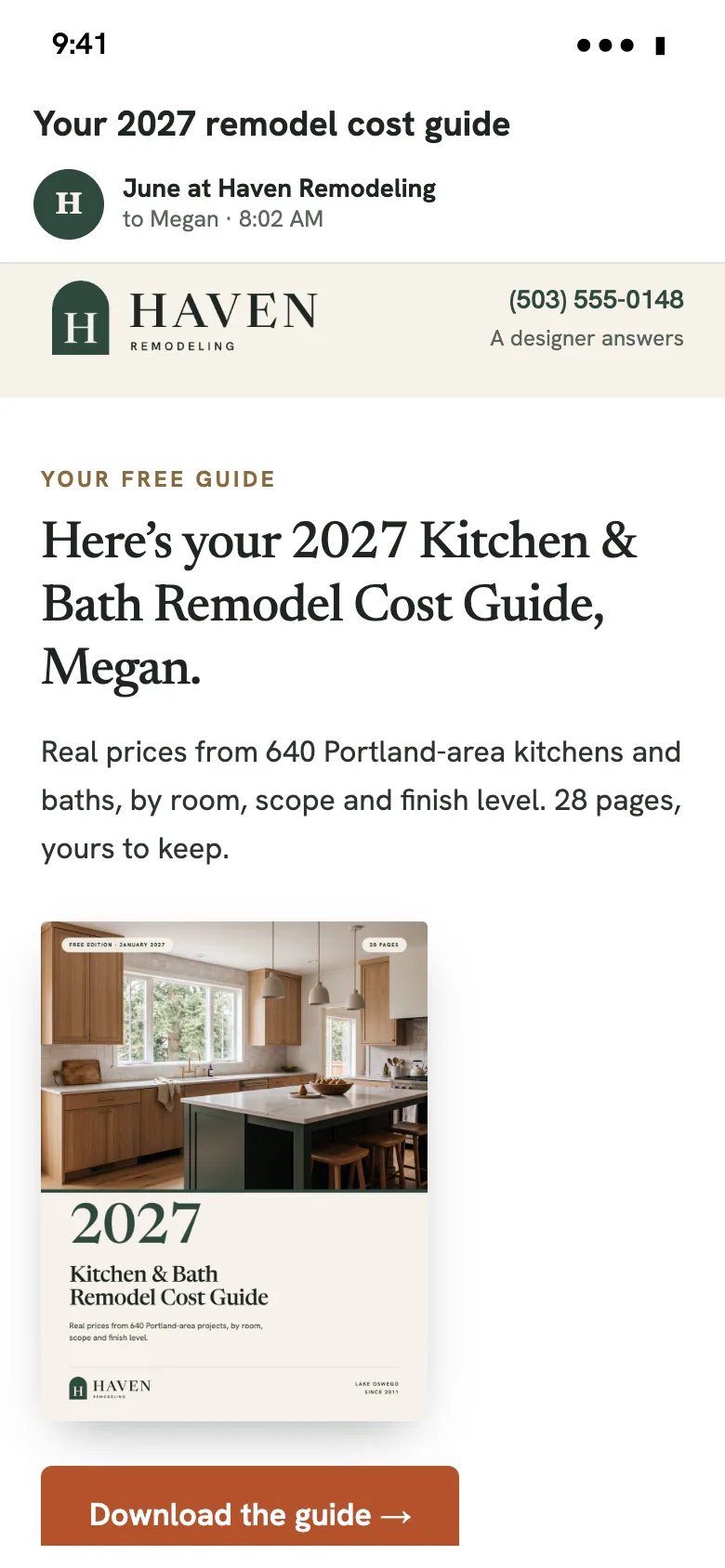
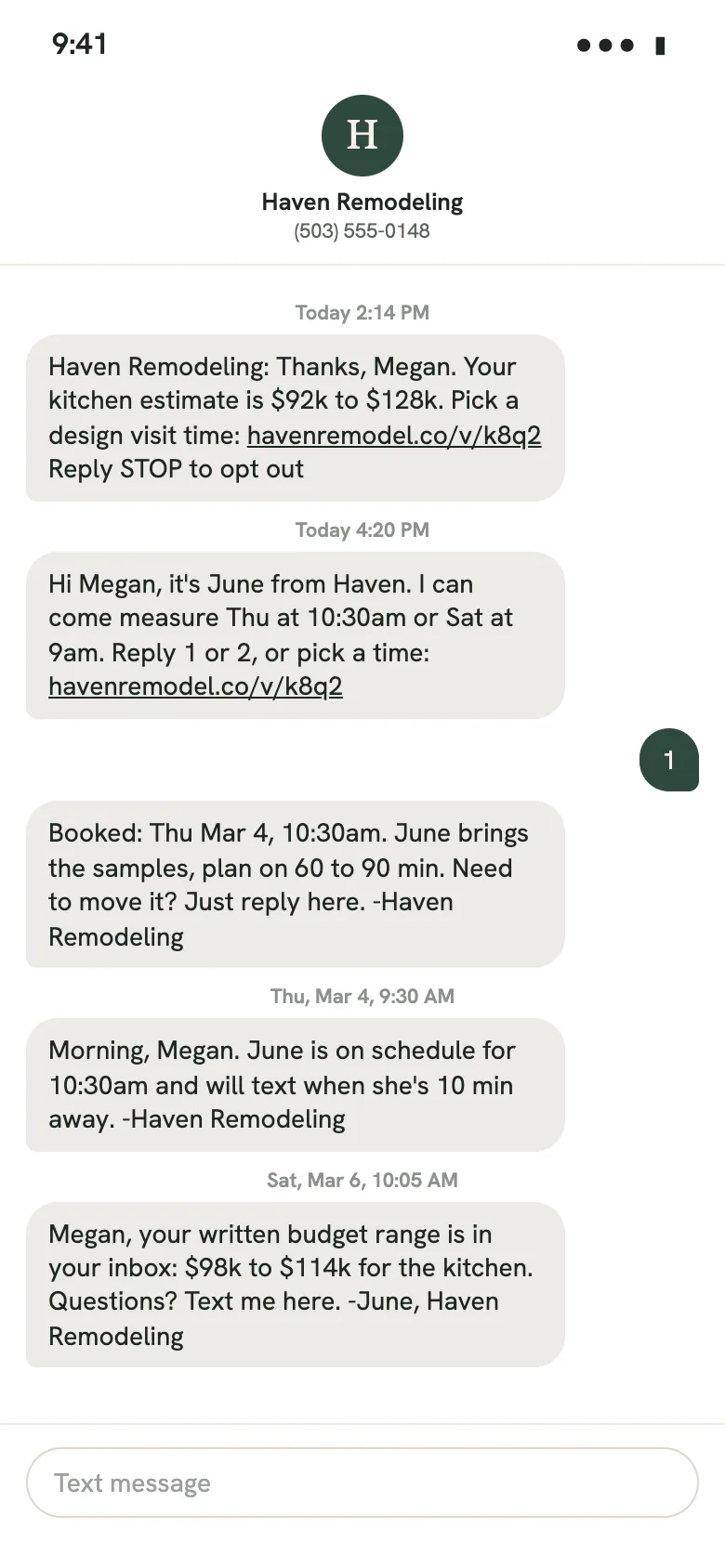
One track per form. A visit request gets a confirmation right away, a reminder the day before and the written range after the visit. A guide request gets the guide right away, then a few short emails that teach and end with the visit.
In short
- One track per form.
- Confirm right away.
- Remind the day before.
- Teach in the guide emails.
- End with the visit.
A booked visit can still be missed, and a guide request can still go cold. The follow-up handles both.
The emails
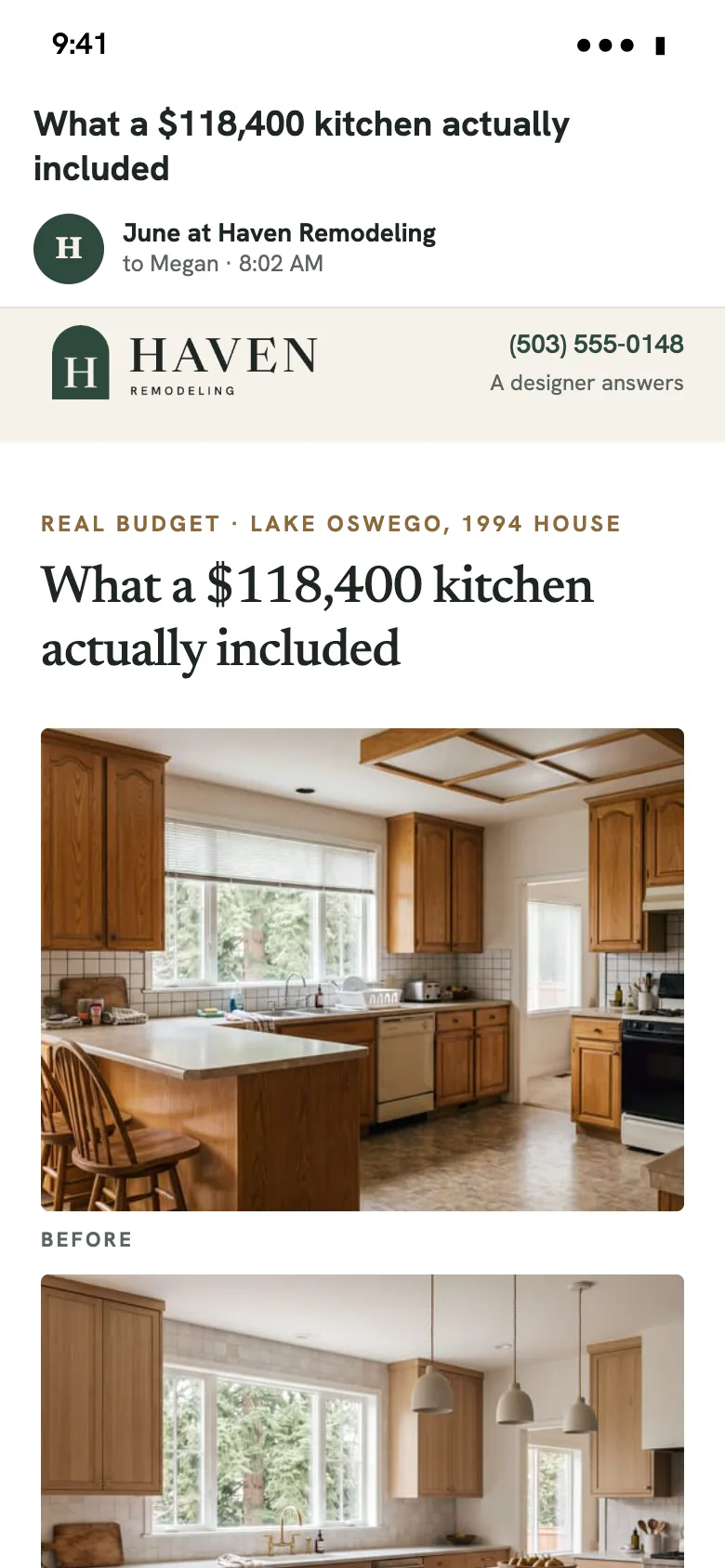
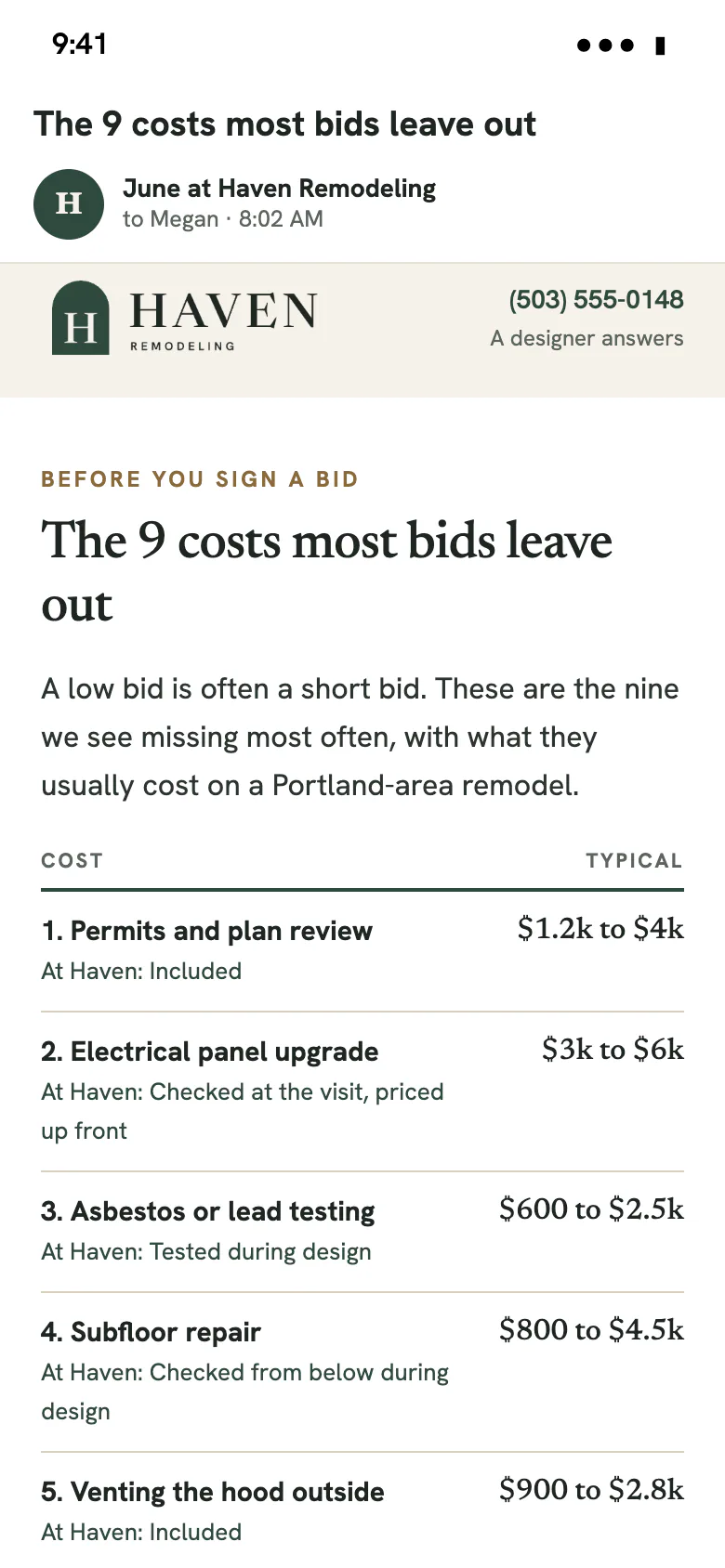
Three for the design visit and three for the cost guide. Pick one to read it on a phone.
The texts
The texts around the design visit.
The follow-up in order
The design visit track and the cost guide track.
How to set it up
1Connect each form
Connect the visit form and the guide form to your email tool, each starting its own sequence.
2Write one action per email
Each email asks for one thing: add the visit to the calendar, read one page, book the visit.
3Text only with consent
Send visit reminders by text only to people who opted in.
Common mistakes
- One sequence for every form.
- No reminder before the visit.
- Guide emails that only sell.
FAQ
Can Leadpages send the emails?
Leadpages delivers lead magnets and connects forms to your email tool, where the sequences run.
How many guide emails?
Three or four over a week, each teaching one thing, the last one offering the visit.

Conversion designer. I design and build whole websites, funnels and landing pages in Leadpages and other page builders, write the copy and set up the tracking and A/B tests. CXL certified.