- Home
- Page builders
- Leadpages
- Lead magnet pages
Leadpages · Guide · 4 steps
How to design and build lead magnet pages in Leadpages
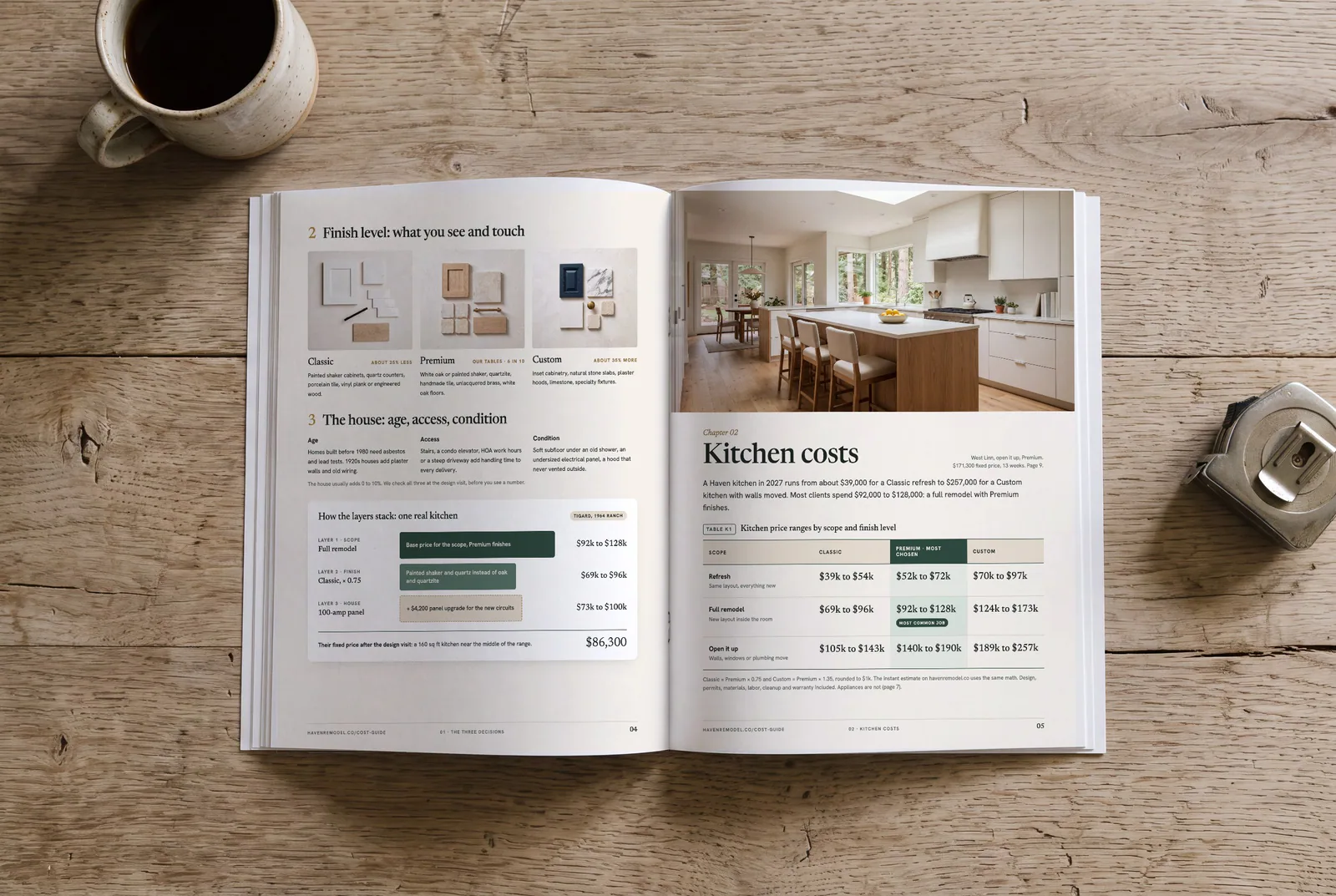
For homeowners a year out: a cost guide with real numbers, offered in a pop-up or on its own page, with a short form and a thank-you page that says what's next.
In this guide · 4 steps
Short answer
What makes a lead magnet in Leadpages convert?
A guide with real numbers people can't easily find elsewhere, a short form in a pop-up or on its own page, a thank-you page that says what arrives, and a few emails that end with the main offer. Leadpages can deliver the file and pass the lead to your email tool.
In short
- Real numbers, not tips.
- A short form.
- A thank-you page that says what's next.
- Three emails, then the visit.
- Offered where people aren't ready to book.
Many homeowners start a year before they hire. A cost guide gives them what they need now, and the emails bring them back when it's time.
The guide
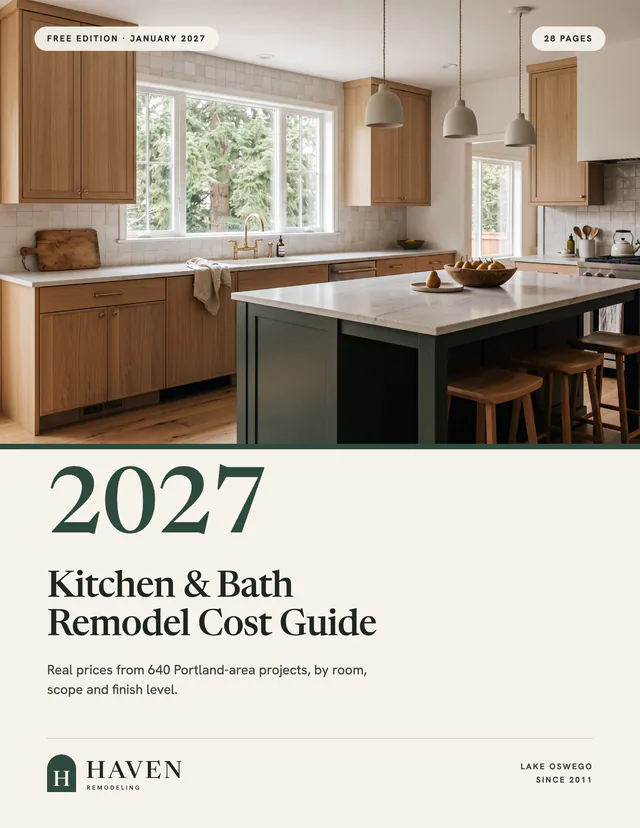
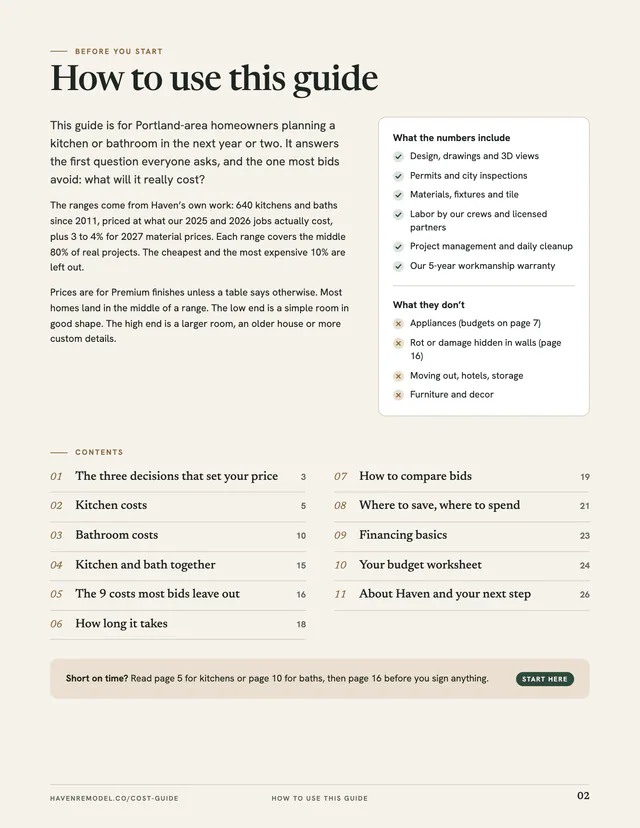
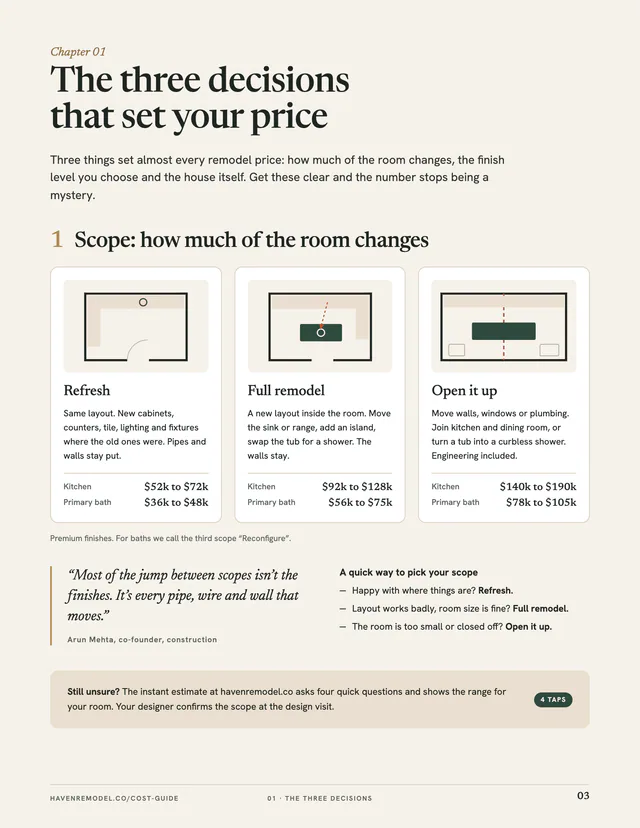
28 pages: real price ranges by room, scope and finish, the costs people forget and how to compare bids line by line. Three pages open, the rest after the form.
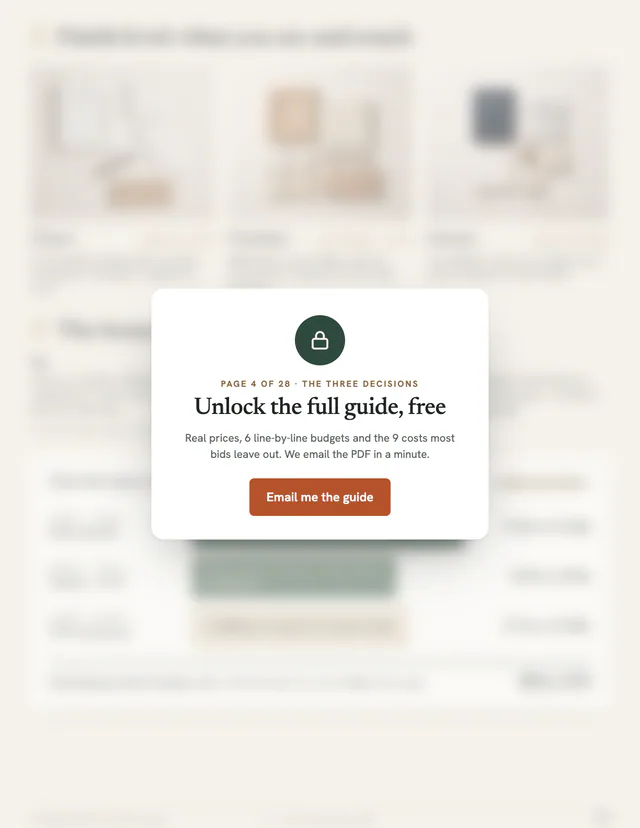
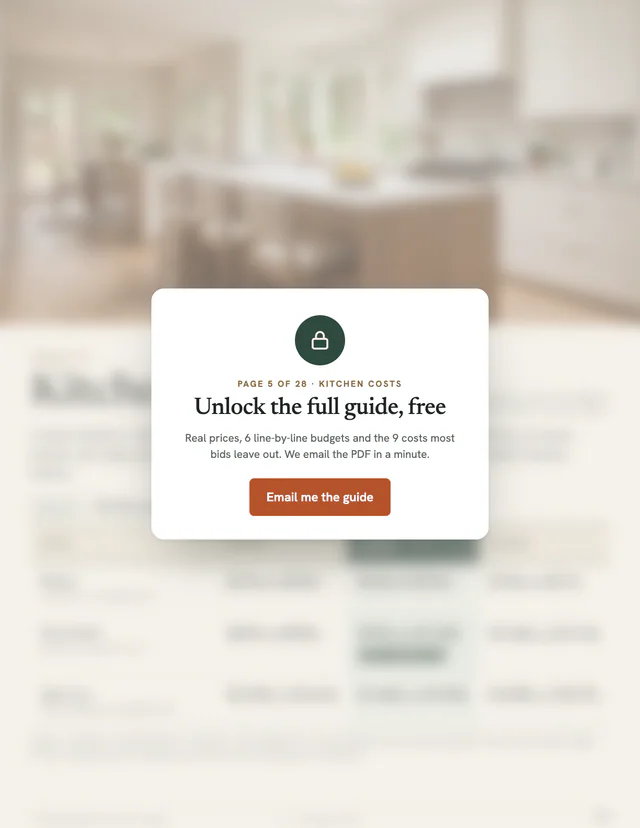
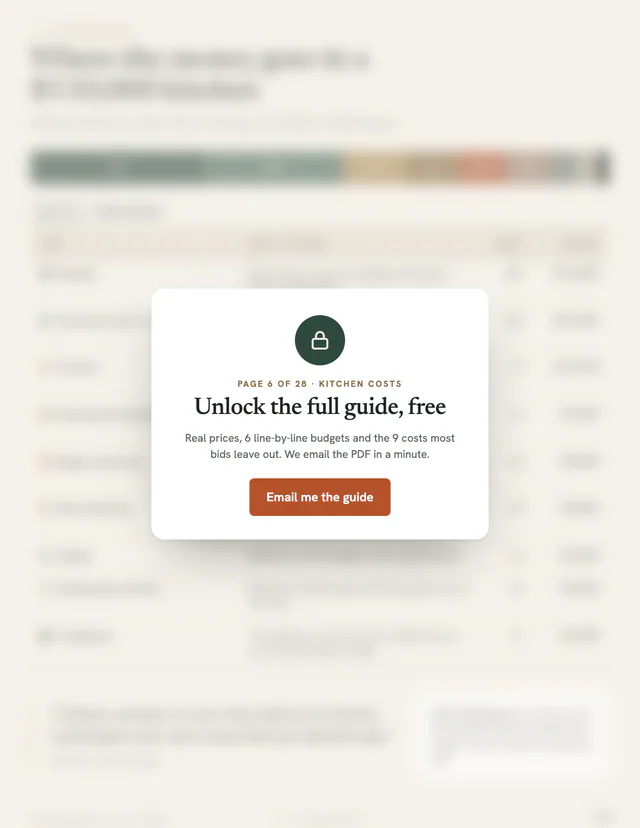
The pop-up that offers it
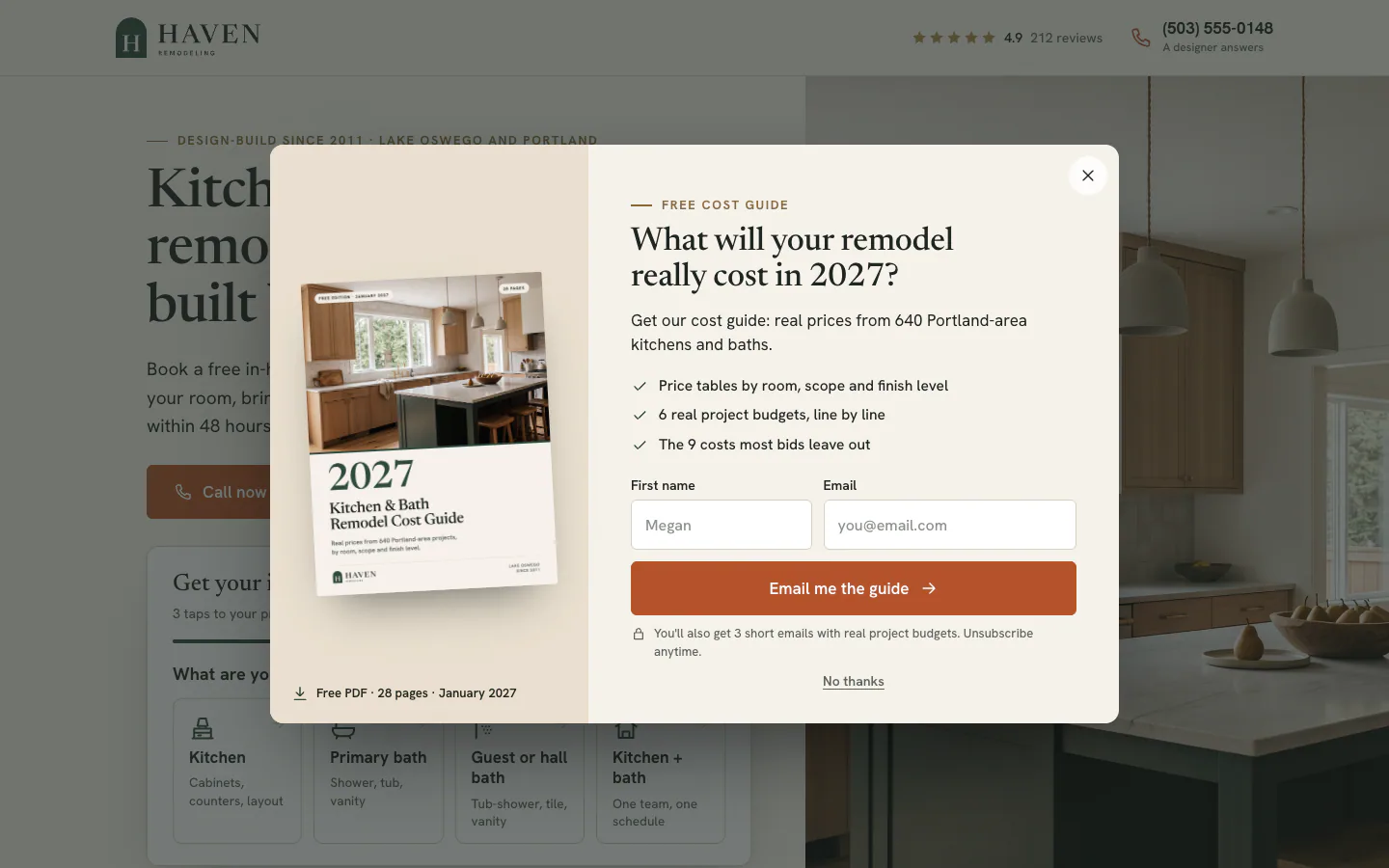
The guide button on the consultation page opens the pop-up: the promise, three bullets and a two-field form, with its own thank-you page.
What makes it convert
- Real numbers. Ranges homeowners can't get without calling around.
- Proof. Real pages of the guide.
- Low friction. First name and email.
- Next step. The thank-you page and the emails offer the design visit.
How to build it in Leadpages
1Offer it in a pop-up or a page
Use a pop-up for visitors already on the landing page, and a page of its own for ads.
2Add a short form
First name and email, and a button that says what they get.
3Deliver it and say what's next
Use Leadpages' lead magnet delivery or your email tool, and send the form to a thank-you page.
4Follow up
Three short emails that teach from the guide and end with the design visit.
Common mistakes
- A guide full of tips and no numbers.
- The guide offered instead of the main action.
- No follow-up after the guide.
FAQ
Can Leadpages deliver a lead magnet?
Yes. Leadpages can deliver a file after the form, or pass the lead to your email tool to send it.
Pop-up or its own page?
A pop-up on the landing page for visitors who are there, a page of its own for ads aimed at the guide.

Conversion designer. I design and build whole websites, funnels and landing pages in Leadpages and other page builders, write the copy and set up the tracking and A/B tests. CXL certified.