- Home
- Page builders
- Unbounce
- Lead magnet pages
Unbounce · Guide · 4 steps
How to design and build lead magnet pages in Unbounce
For visitors who aren't ready to book: a guide that answers the question the page can't, on its own Unbounce page, for a short form.
In this guide · 4 steps
Short answer
What makes a lead magnet page in Unbounce convert?
A guide that answers the question visitors have before they book, a page of its own with the promise and real numbers as proof, a short form and a clear confirmation. Offer it where people would otherwise leave, and keep it out of the conversion goals of the main page.
In short
- Answer the question before the booking.
- Give it a page of its own.
- Two or three fields.
- A confirmation that says what's next.
- Offer it on exit, not instead of the main action.
Many implant searchers want a price before they call. A cost guide answers that, and the email it costs brings them back.
The cost guide page
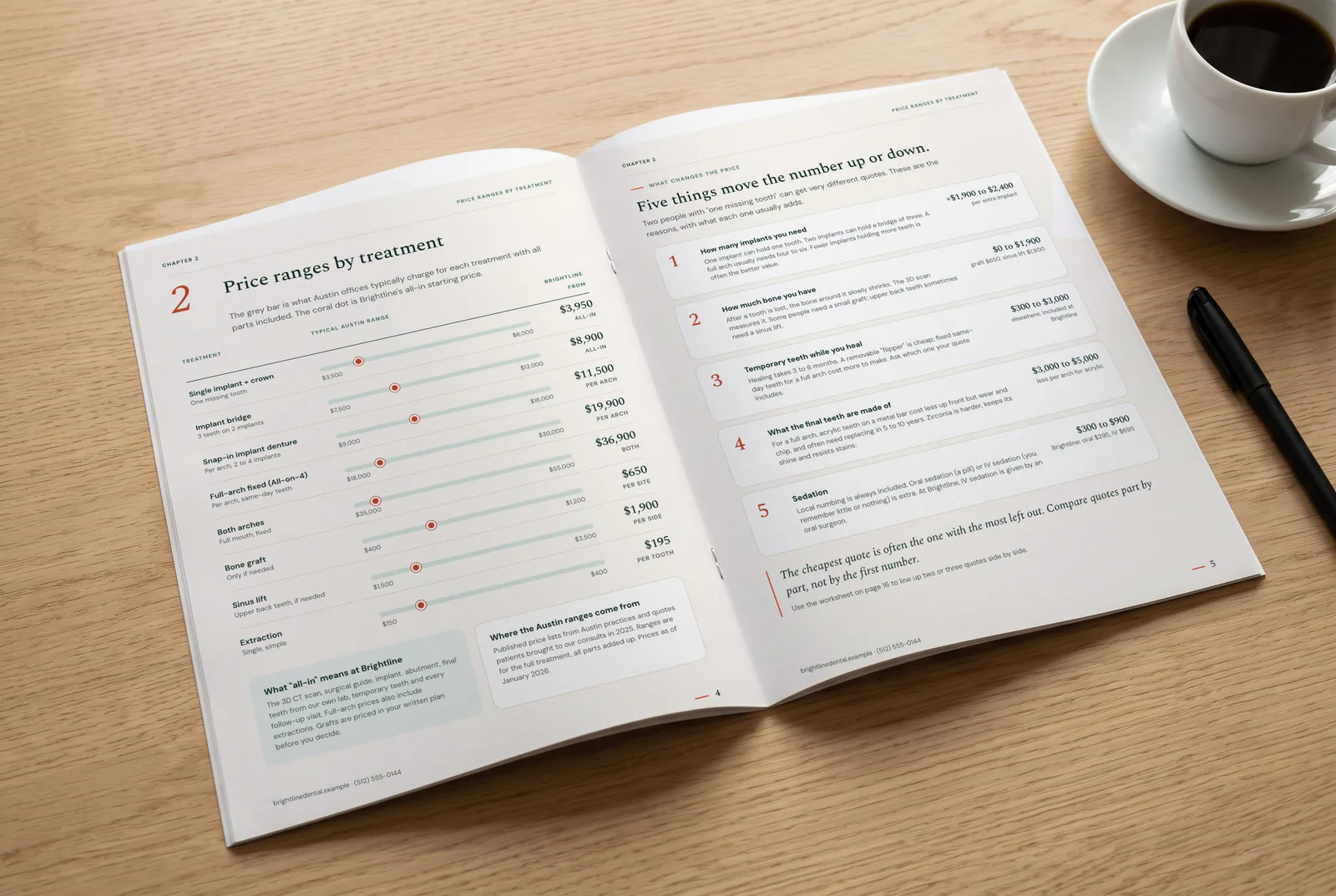
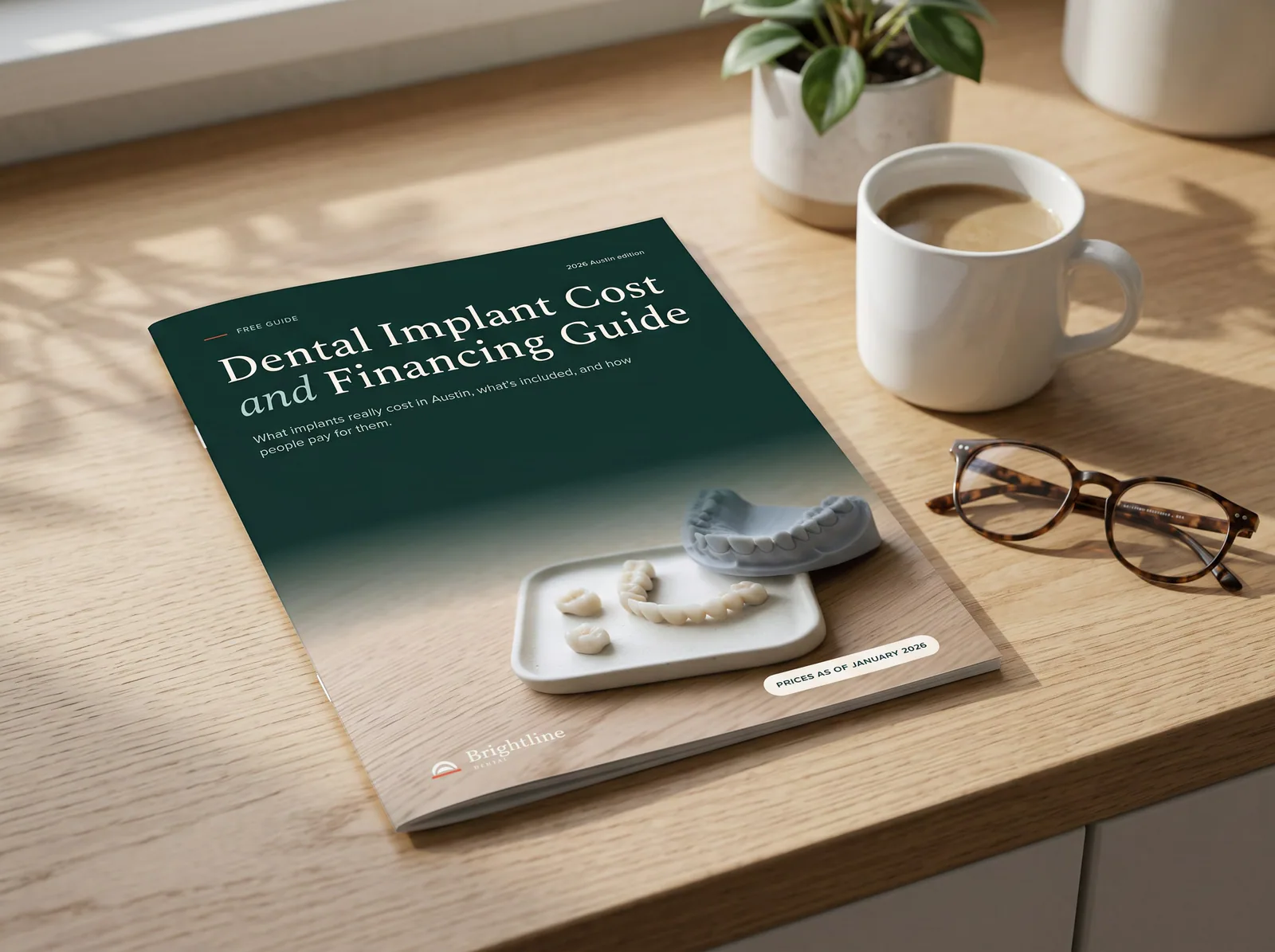
The 18-page implant cost guide on its own Unbounce page: the promise, what's inside and a short form.
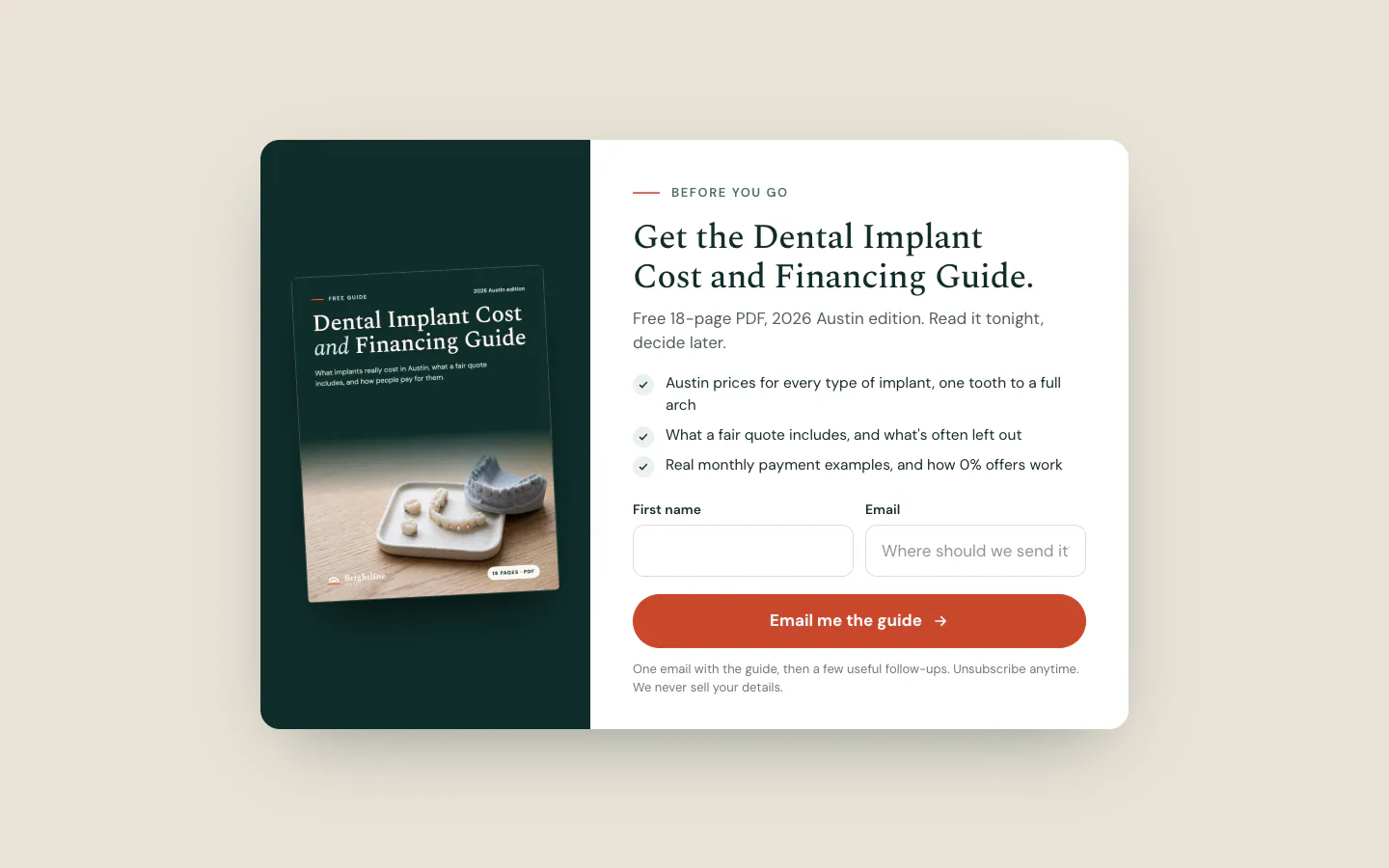
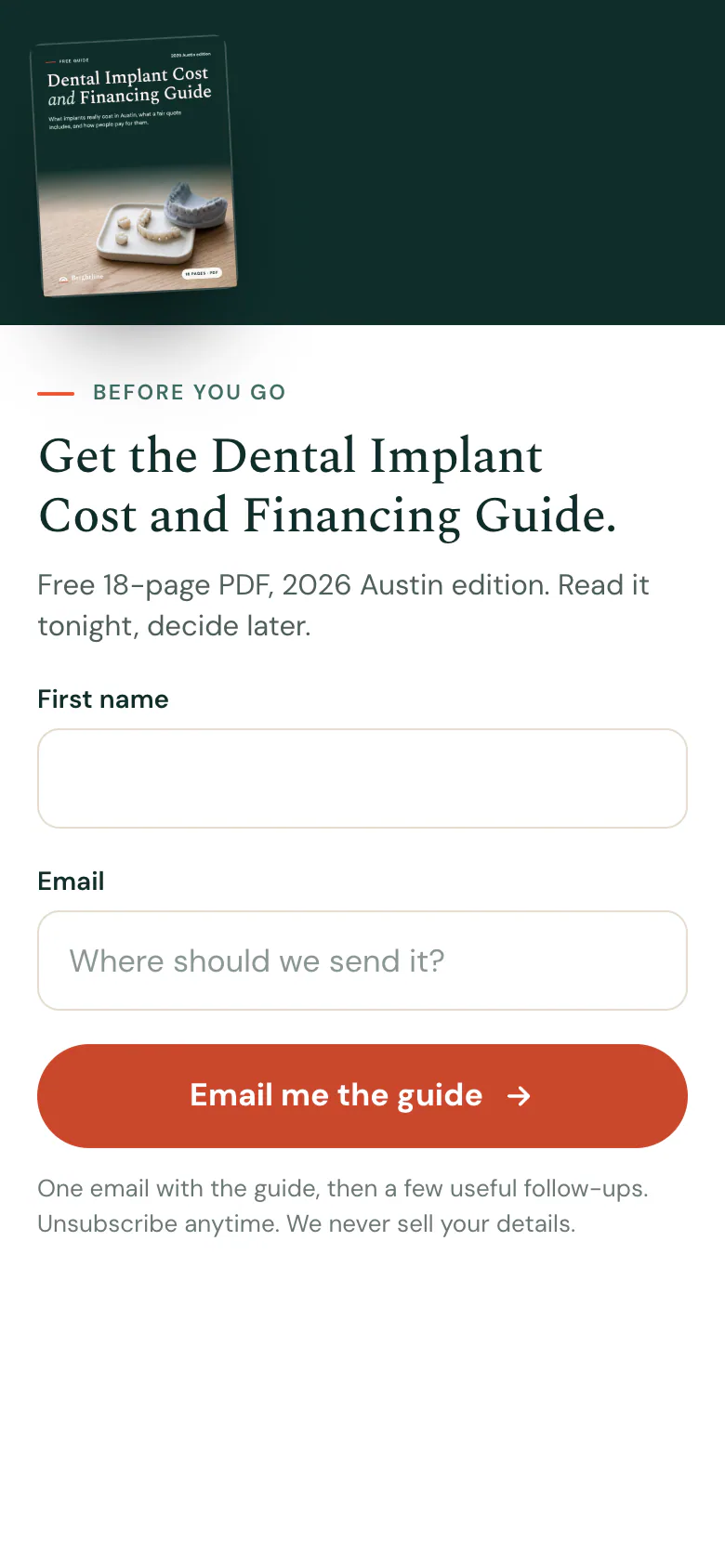
The guide
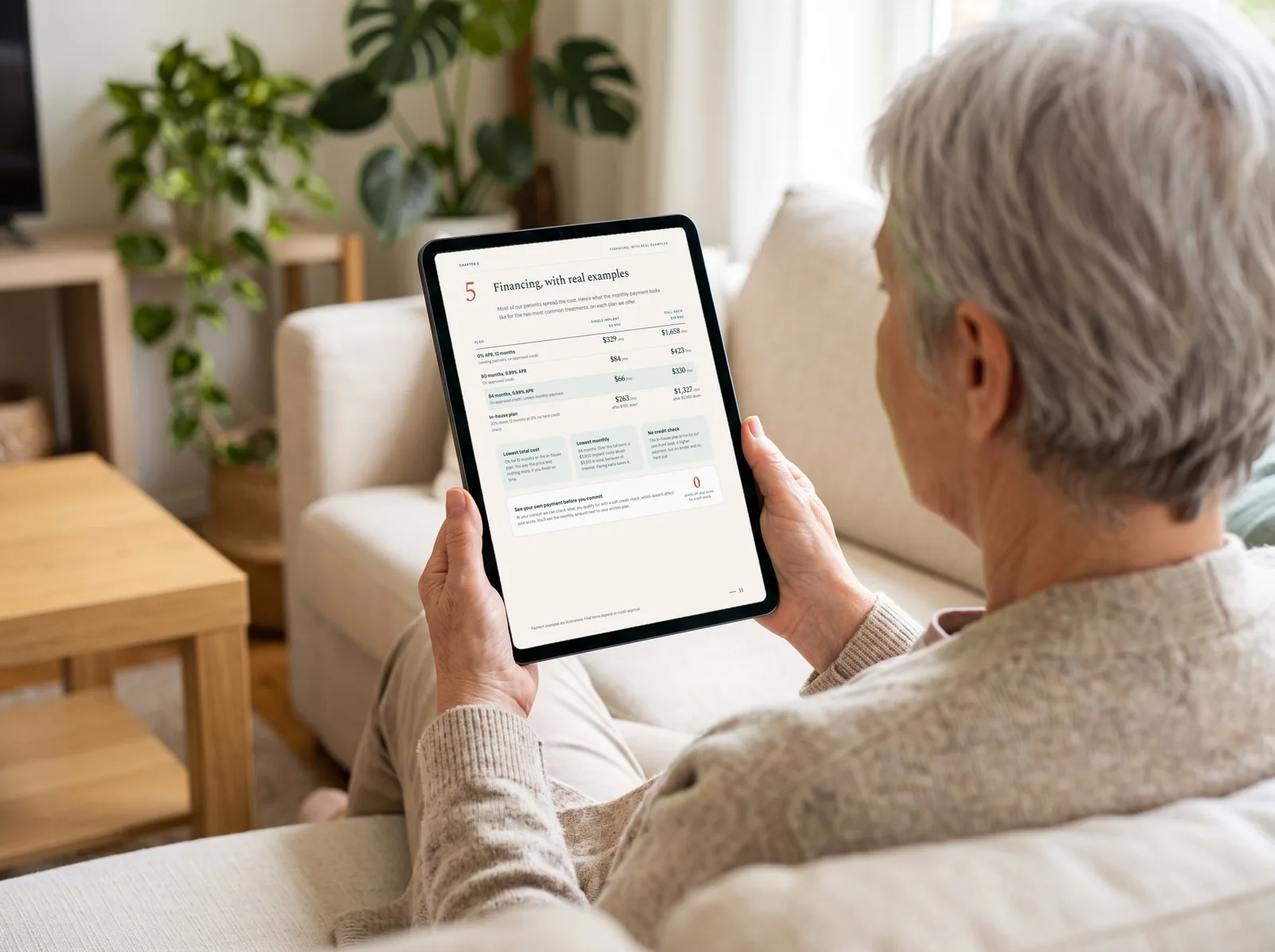
Every type of implant with all-in prices, what changes the price, real payment examples and the questions to ask any practice.
What makes it convert
- Relevance. It answers the question the page can't fully answer for everyone: what will my case cost?
- Proof. Real prices and payment examples, not adjectives.
- Timing. Offered on exit, so it doesn't compete with the consult.
- Low friction. A short form and a clear confirmation.
How to build it in Unbounce
1Build the offer as its own page
Create a page in the same project with the promise, a few bullets and a short form.
2Add a short form and a confirmation
Ask for first name and email, and set the confirmation to a dialog that says what arrives and when.
3Open it where people leave
Link it from a button with the lightbox action and from the exit-intent script, once per visit.
4Follow up from your CRM
Send the guide and two or three short emails that end with the consult.
Common mistakes
- A guide that doesn't answer the real question.
- The offer counted as the page's conversion.
- Five fields for a free guide.
- No follow-up after the guide.
FAQ
Should the lead magnet replace the main form?
No. Offer it to people who are leaving; the main page keeps asking for the consult.
Can Unbounce show the offer in a pop-up?
Yes: open the offer page with the “Go to URL in Lightbox” action, or use an Unbounce Popup.

Conversion designer. I design and build whole websites, funnels and landing pages in Unbounce and other page builders, write the copy and set up the tracking and A/B tests. CXL certified.