- Home
- Page builders
- Unbounce
- Sticky bar and exit pop-up
Unbounce · Guide · 5 steps
How to add a sticky call bar and an exit-intent pop-up in Unbounce
A call bar that appears once the hero is gone, and an exit offer that opens once per visit in Unbounce's native lightbox.
In this guide · 5 steps
Short answer
How do you add a sticky bar and an exit pop-up in Unbounce?
Build the bar as a fixed-position section with Call and Book, and show it with a short page script once the hero has scrolled away. Build the offer as its own page, open it with the “Go to URL in Lightbox” action, and let the script open it once per visit on exit intent, but never after someone has started the form.
In short
- Show the bar after the hero.
- Call and Book in the bar.
- The offer is its own page.
- Open it once per visit.
- Never after the form starts.
A sticky bar keeps the call one tap away. An exit offer catches the visitor who was about to leave, without interrupting the one who's filling in the form.
The sticky call bar
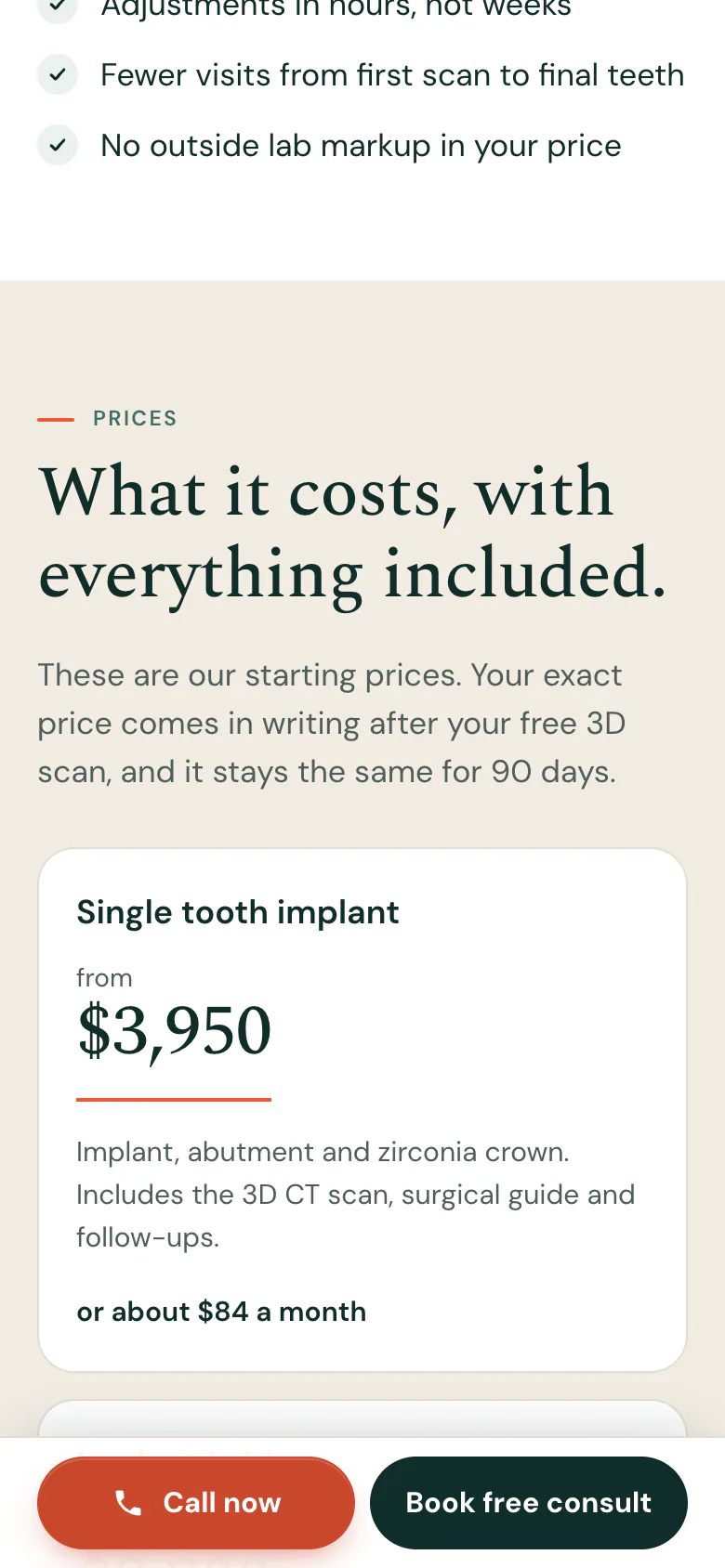
A fixed-position section with Call and Book. The page script keeps it hidden on the first screen and shows it once the hero is gone.
The exit offer
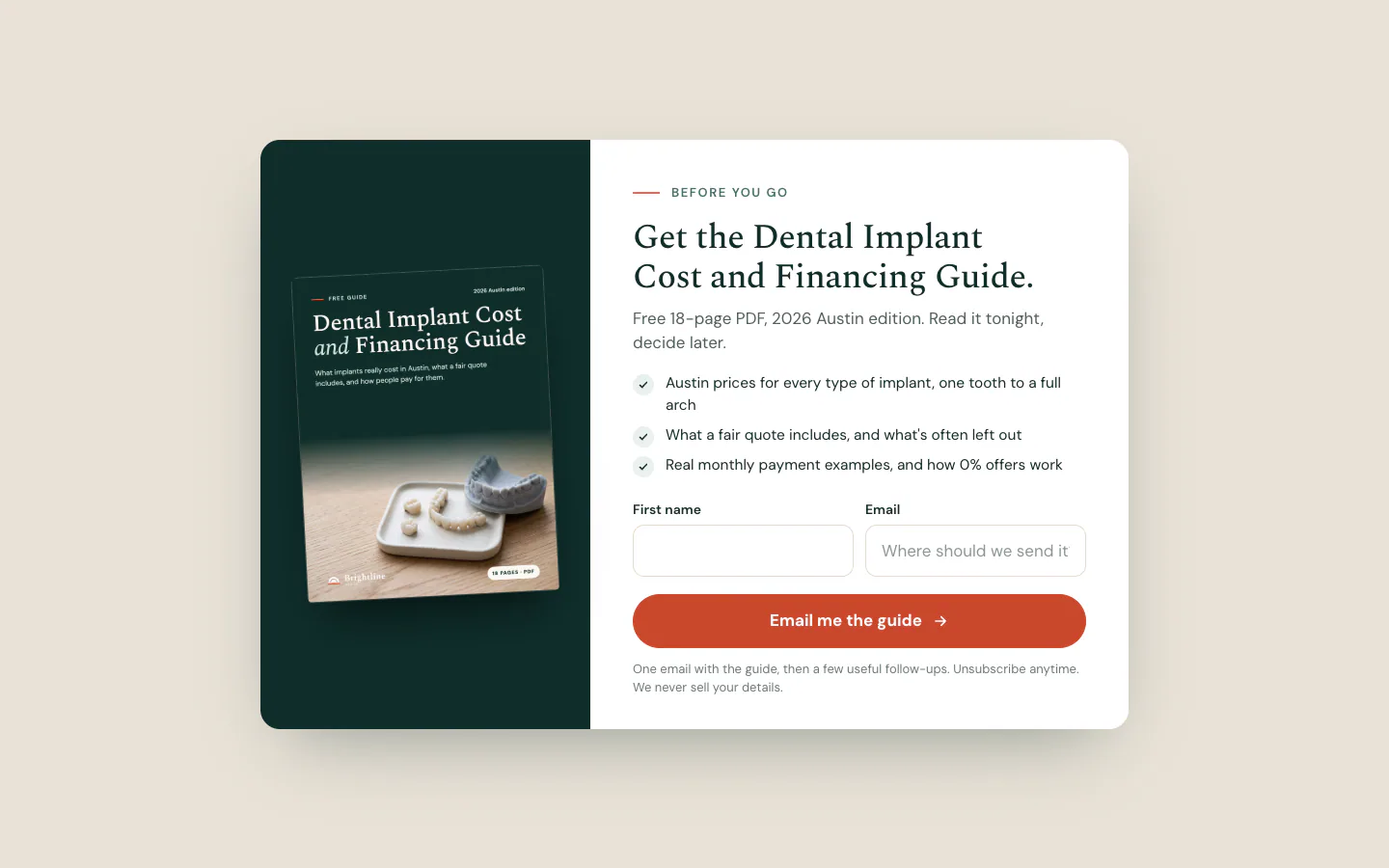
The cost guide is its own page. “Send me the free guide” opens it with the native lightbox action, and the script opens it once per visit on exit intent.
How to build them in Unbounce
1Build the bar as a section
Add a section with Call and Book buttons, set it to a fixed position at the bottom, and hide it on the first screen.
2Show it with a page script
In Custom HTML, add a few lines that show the bar once the hero has scrolled out of view.
3Build the offer as its own page
Create the offer page with its own form and confirmation, sized for a lightbox (900 × 560).
4Open it in a lightbox
Link a button with the “Go to URL in Lightbox” action, then let the script open the same URL on exit intent, once per visit, and never after the form has been started.
5Keep it out of the goals
Leave the offer link out of the page's conversion goals, so it can't skew an A/B test.
Common mistakes
- A bar on top of the first screen.
- An exit pop-up on every visit.
- A pop-up that interrupts the form.
- Counting the pop-up link as a conversion.
FAQ
Does Unbounce have native pop-ups?
Unbounce has Popups and Sticky Bars as their own assets, and any page can open another in a lightbox. On this page the offer is a lightbox page opened by a button and by the page script.
Do exit pop-ups work on phones?
Exit intent is a desktop signal. On phones, offer the guide with a button lower on the page instead.
How often should an exit offer show?
Once per visit at most, and never to someone who has started the form.

Conversion designer. I design and build whole websites, funnels and landing pages in Unbounce and other page builders, write the copy and set up the tracking and A/B tests. CXL certified.