
Shopify CRO Guide · Part 3 of 7
Collection page design: 50 tips for product lists, filters and sorting
Collection pages (product listing pages) are where shoppers compare. Layout, product cards, swatches, filters and sorting, on desktop and phones.
Collection page layout
The collection page itself: breadcrumbs, product count, grid or list, spacing, and loading more products.
Read the articleProduct cards
What every product card needs: the right photo, price, rating, the deciding details and stock.
Read the articleSwatches, quick view and compare
Swatches, wishlists, compare, quick view, quick add, badges and "in your cart" labels on product cards.
Read the articleWhich filters to offer
Which filters to offer: the basics, category-specific attributes, sale and stock, gifts and problems.
Read the articleHow filters and sorting behave
How filters combine, explaining jargon, applied filters, the back button and sorting.
Read the articleFilter design on desktop and phones
How filters look and work: counts, checkboxes, long lists, order, layout, phones and keyboards.
Read the articleStart with these
- Show the star rating and the number of reviewsProduct cards
- On phones, make Filter and Sort obvious buttons, with a sticky "Show results" buttonFilter design on desktop and phones
- Add filters for every attribute that matters in that categoryWhich filters to offer
- Always show the price, and the unit price where it mattersProduct cards
- Use "Load more" (or clear pagination) instead of endless scrollingCollection page layout
- Show one card per product, with its colors as swatchesCollection page layout
On most stores, collection pages (Shopify's name for category pages) get as much traffic as product pages. They're where shoppers scan the range, narrow it down and decide what to open. This section covers the layout, the product cards and their extras, which filters to offer, how filters and sorting should behave, and how they should look on desktop and phones.
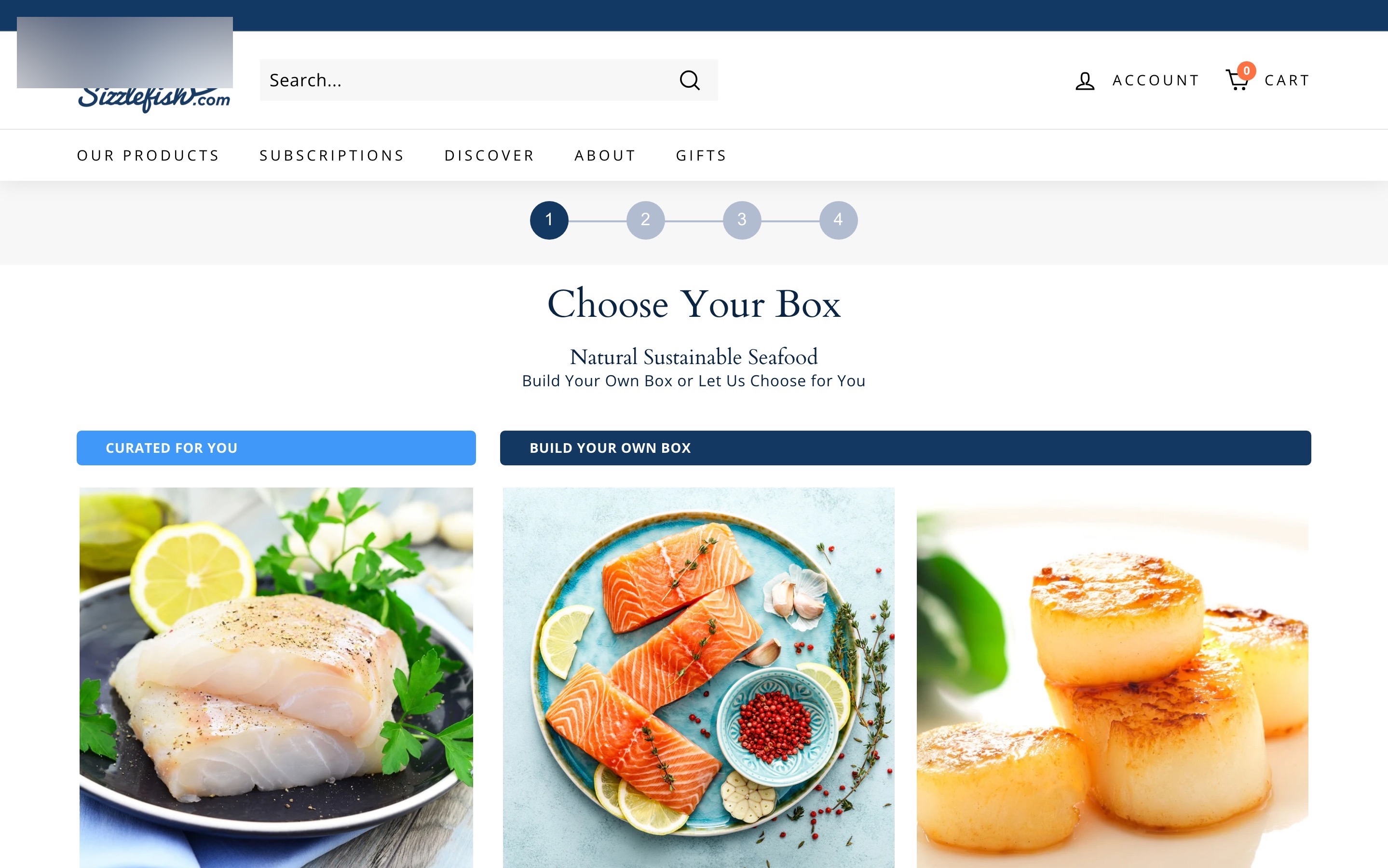
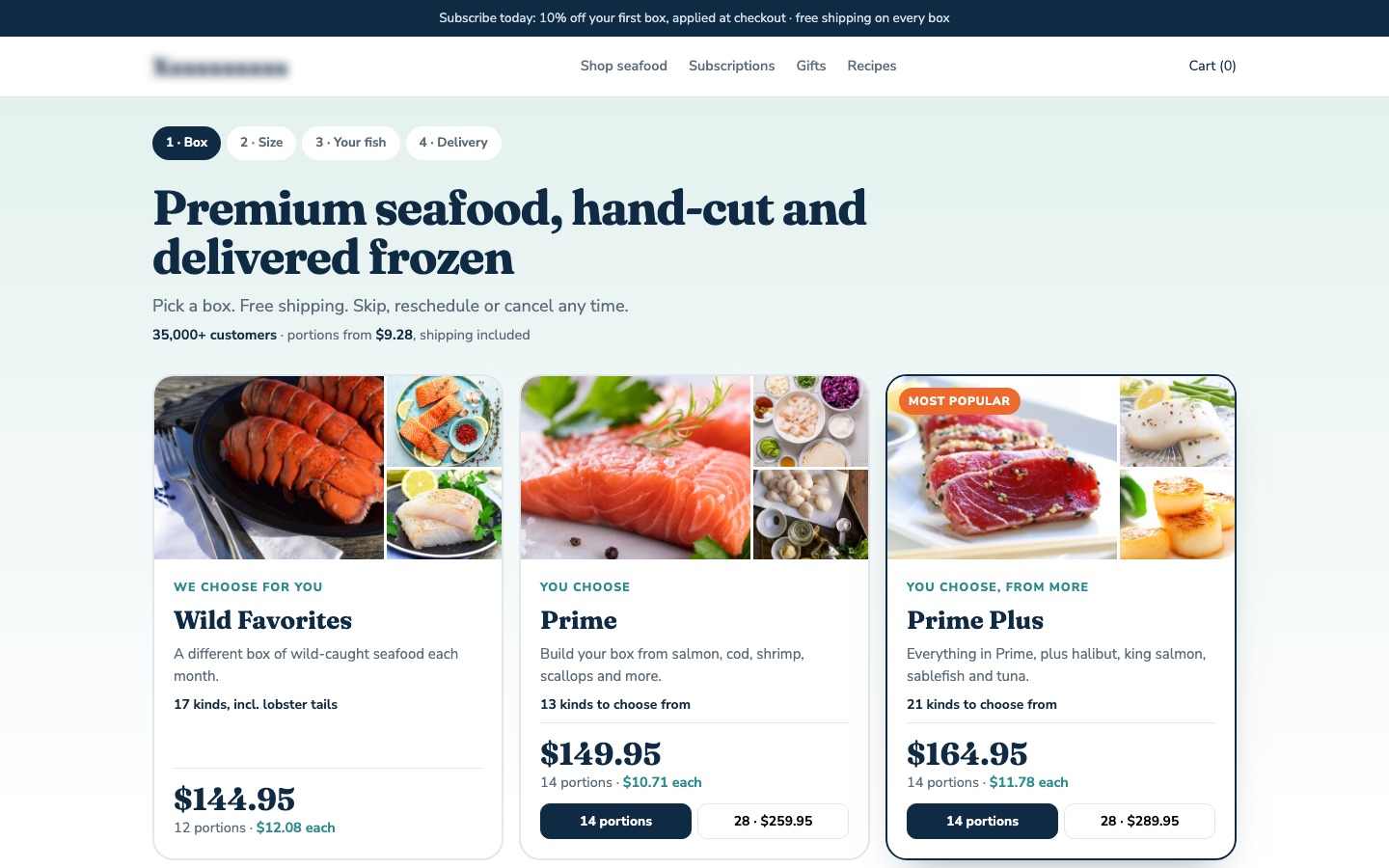
From my work · +11.7% subscriptions started
A seafood subscription asked shoppers to choose a box with no price, portion count or fish on the cards. The redesign put all three on every card, added the fish each box includes and a price-per-portion chart.
See the seafood subscription case studyFAQ
What is a collection page in Shopify?
Shopify's name for a category page: a page listing a group of products, with filters and sorting.
How do I improve my Shopify collection pages?
Show price, rating and key attributes on cards, add the filters shoppers decide on with the Search & Discovery app, use swatches, and make filtering work well on phones.
Sources
Let's talk
Let's find out why your visitors aren't buying.
Send me the page. On the call I'll tell you what I'd fix first, what it could move, and whether I'm the right person for it.